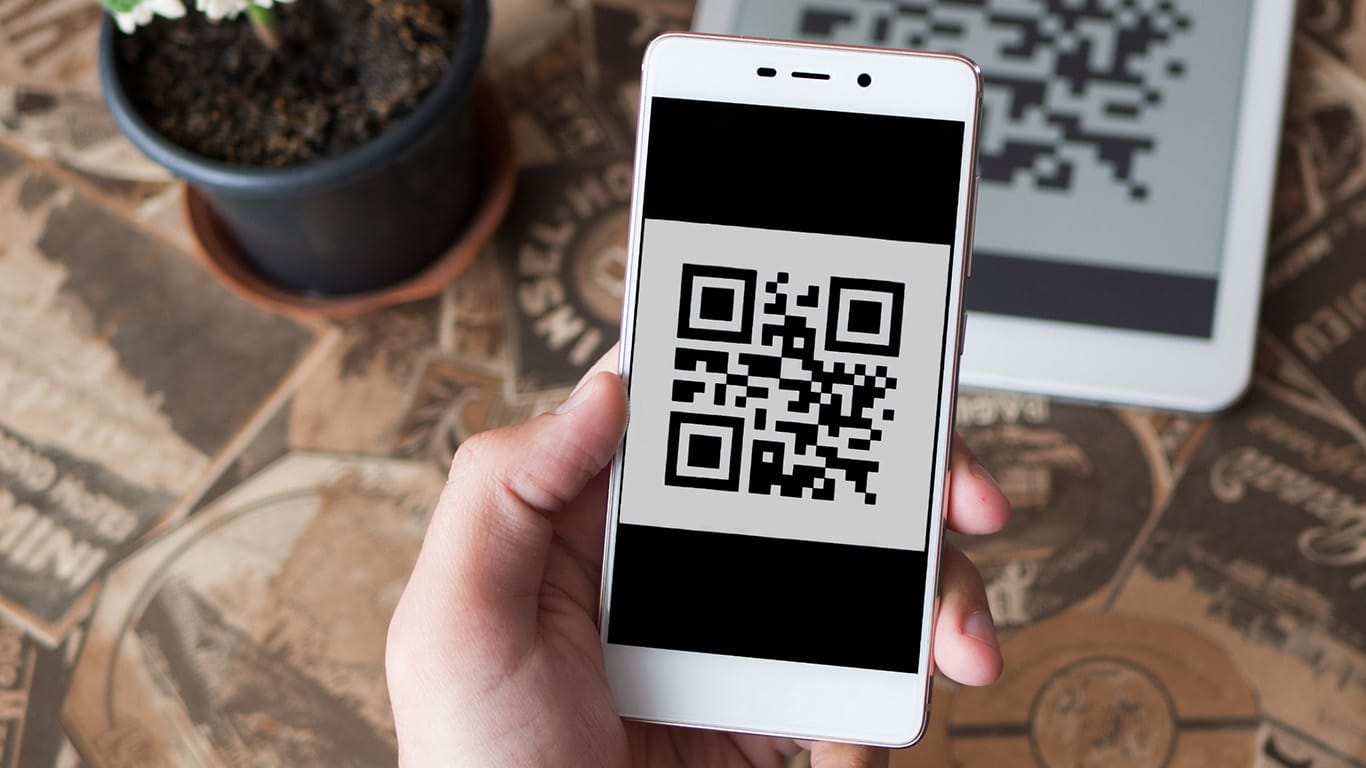
QR Codes have become ordinary business infrastructure rather than a novelty. Roughly 100 million Americans are expected to scan a code regularly by 2025 according to Statista figures, and in G2’s roundup of QR Code statistics, 58% of businesses reported revenue growth after integrating codes into their customer touchpoints. For a business, the value is not in generating a square; it is in editing it after printing, tracking who scans it, and managing many codes without losing control. This comparison weighs five generators on exactly those business needs, from features and analytics to security and price.
Best QR Code generators for business at a glance
- Best overall for business: Uniqode. The most complete mix of dynamic control, analytics, integrations, and security.
- Best value: QR Tiger. A wide toolset with a free tier at a low price.
- Best for link-led teams: Bitly. Codes and short links reporting together in a mature dashboard.
- Best for design-led brands: Flowcode. The most polished codes for consumer marketing.
- Best easy, secure pick: QRCodeChimp. Simple, SOC 2 Type II codes with a free plan.
What a business actually needs from a QR Code tool
Beyond making a code, four things matter for business use. Dynamic control lets you edit a destination after printing and fix mistakes without a reprint. Analytics turn a printed touchpoint into a measurable channel, showing scans by location, device, and time. Management, roles, bulk creation, and branded domains, keeps a growing set of codes organized rather than scattered across accounts. And security, audited certifications and access control, matters the moment codes carry customer data. A business should weigh these together, since a tool that nails design but caps scans mid-campaign, or tracks well but cannot be governed by a team, will show its limits fast.
1. Uniqode
The most complete option for business use is Uniqode, which covers all four needs in one system rather than leading on a single feature. Its dynamic codes are editable after printing and its Smart Rules route one code to different destinations by location, time, device, or language, combining conditions with up to 11 rules per code. Analytics run deep, with location, device, and time tracking that can be kept for the life of the code, and data flows natively into GA4, Salesforce, and HubSpot. Bulk creation, role-based access, branded domains, and a compliance stack of SOC 2 Type II, HIPAA, ISO 27001, and GDPR round out a tool built to run codes at scale. It starts at $9/mo with a 14-day trial rather than a free plan, which is its main trade-off, but for a business treating codes as a managed channel, nothing here matches its breadth.
2. QR Tiger
The strongest value for a business on a budget comes from QR Tiger, which delivers most of what a small or mid-sized team needs at a low price. Alongside more than 20 code types, it offers editable dynamic codes, scan tracking by location and device, bulk creation on its Advanced plan, and a free tier to start. The analytics retention, routing, and team controls are lighter than the leader’s, and it lacks SOC 2 certification, but for a business that wants genuine capability without a large bill, it is the practical pick. Pricing runs Free, Regular $7/mo, and Advanced $16/mo.
3. Bitly
For teams that already run marketing through trackable links, Bitly is the natural fit, since its dynamic QR Codes report alongside short links in one mature, well-refined dashboard. Years of operating at scale give it reliable infrastructure and a broad integration list, so link and scan performance sit together across campaigns. The trade-offs are that QR Codes are secondary to the link product, conditional routing is limited, and monthly volume is capped by tier. For a link-first business that wants codes in the same place as its links, it is dependable, starting at $10/mo after a limited free tier.
4. Flowcode
Brands whose codes are part of the creative will find the best fit in Flowcode, which produces the most design-forward codes in the category and captures first-party data at the scan. For consumer marketing where the code has to look like a deliberate brand asset, its design engine is unmatched here. The limits are cost and scale: richer features sit on higher tiers, pricing climbs steeply, and there is no static option. For a design-led brand with the budget, though, it delivers a polished result. Pricing runs Free (2 codes), Pro $5/mo, and Pro Plus $25/mo.
5. QRCodeChimp
An easy, secure, and affordable option for a small business is QRCodeChimp, which pairs a simple interface with SOC 2 Type II certification and a free plan. It handles dynamic codes, real-time analytics, device and time routing, bulk creation via CSV, and CRM integrations, so a non-technical team gets audited security without a learning curve. It lacks HIPAA, ISO 27001, and the deeper routing of the leader, but for a business that wants credible security and simplicity at a low or free start, it is a strong fit. Pricing starts at $6.99/mo, with a free plan.
Common business use cases for QR Codes
The range explains why so many businesses adopt them. On product packaging, a code opens instructions, registration, or a reorder page, and can update promotions without reprinting. In print and outdoor ads, a code turns a poster or mailer into a measurable, clickable touchpoint. In retail, codes link to product details, reviews, or loyalty sign-up at the shelf. At events, they handle check-in, agendas, and feedback. In restaurants and hospitality, they carry menus and ordering that change without new prints. And across operations, codes tie physical assets or documents to their records. What these share is the pattern that rewards a good tool: a printed touchpoint that stays editable and is measured, rather than a dead end.
What to check before committing to a tool
A short evaluation saves a costly switch later. Confirm the codes are dynamic, so you can edit destinations and track scans, since that is the core of business value. Check how long scan data is retained, because short retention undercuts any long-term reporting. Look at team features, roles, bulk creation, branded domains, if more than one person will manage codes. Verify the integrations you need, GA4, a CRM, are actually supported, natively where possible. If codes will carry customer data, insist on audited certifications rather than a vague security claim. And read what happens if you stop paying, since dynamic codes from any subscription tool stop redirecting when the plan lapses, a factor worth planning around for anything printed at scale.
Which QR Code generator should a business choose?
For value, QR Tiger delivers real capability cheaply, and QRCodeChimp adds an easy, secure, free-to-start option. For link-led teams, Bitly keeps codes and links together, and for design-driven brands, Flowcode leads on polish. For a business that wants dynamic control, deep analytics, team management, and audited security in one system, Uniqode is the most complete choice. Match the tool to whether price, design, link integration, or all-round business capability leads your needs.
Frequently asked questions
What is the best QR Code generator for business?
Uniqode is the most complete for business, combining dynamic control, deep analytics, team management, and a full compliance stack. QR Tiger is the best value, and QRCodeChimp is a strong, easy, secure, free-to-start option.
Do businesses need dynamic QR Codes?
Almost always. Dynamic codes can be edited after printing and tracked, so a business can fix a wrong link, update a campaign, and measure scans, none of which static codes support.
How much does a business QR Code generator cost?
Entry pricing ranges from free tiers (QR Tiger, QRCodeChimp) to around $7 to $10/mo for entry paid plans, up to higher tiers for advanced features. Match the plan to the codes, scans, and features you actually need.
What features matter most for business use?
Dynamic editing, scan analytics, bulk creation and team roles for managing many codes, and audited security if codes carry customer data. Design and integrations matter too, weighted to your specific use.