Every marketing team hits the same wall eventually. The campaign image is done. The client loves it. Then the real work starts: resize it for Instagram, crop it for a banner, brighten it for email, recolor it for the regional push, and do it all again next quarter. The original creative took one afternoon. Adapting it for every channel takes a week.
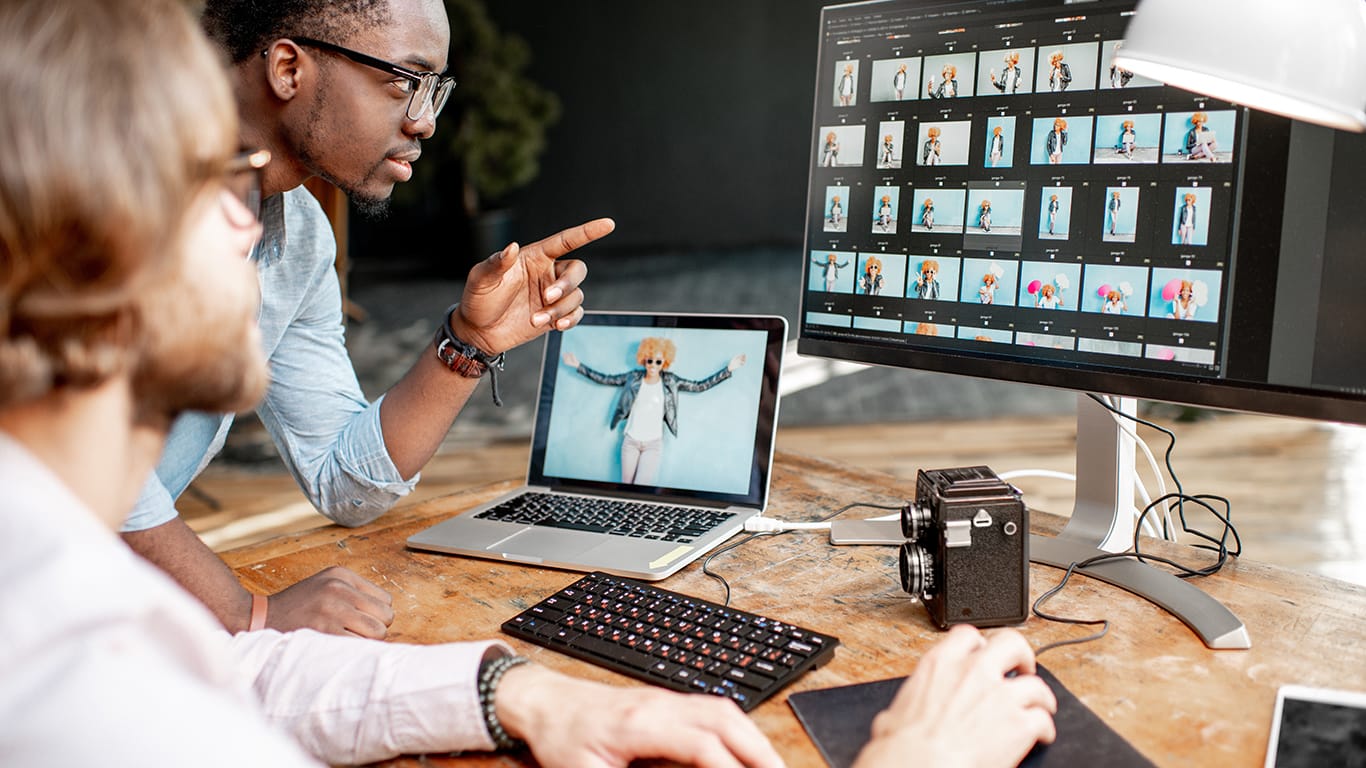
Photo provided by ImageToImage AI.
A Free AI Image Editor exists for that second week, not the first afternoon. It takes a finished image and lets a team adjust it, crop, recolor, restyle, recompose, through prompts instead of a fresh design pass for every variant. Here is how that actually plays out in a real marketing workflow.
The Problem in One Sentence
One image, many channels, and each channel wants something slightly different. A product shot that looks great as a square Instagram post needs a completely different crop as a vertical story. A bright, high-contrast version that works for a summer email campaign needs a muted, colder palette for a winter one.
A hero banner sized for a website needs an entirely different composition to work as a mobile ad. None of this is new creative work. It is the same idea, reshaped repeatedly, and reshaping it by hand every time is where marketing teams lose the most hours relative to the value produced.
What Changes With an AI Image Editor in the Loop
Instead of sending every variant back through a full design cycle, a team can take the approved source image and generate adapted versions directly. A square product photo becomes a vertical crop with the subject properly recentered. A daylight product shot becomes an evening version with adjusted tone and lighting, without reshooting anything. A design built for one region gets a palette shift to match local campaign guidelines, without a designer manually repainting it.
The output is not always the final file. Fine detail work, exact brand color matching, and platform-specific technical requirements still benefit from a final human pass. What changes is where that human effort gets spent. Instead of producing ten variants from scratch, a designer reviews and refines ten AI-generated drafts, which is a different, faster kind of work.
Four Channel Problems This Actually Solves
Aspect ratio mismatches. A campaign built around one hero image almost never fits every platform’s native dimensions. Generating recomposed versions for square, vertical, and horizontal formats from the same source keeps the core visual consistent instead of looking like three unrelated campaigns.
Seasonal and regional variants. A single evergreen product image can be adapted for a holiday push, a regional market, or a limited time promotion by adjusting color, mood, or background elements, rather than scheduling a new shoot or a full redesign for every variant.
Platform specific tone. A LinkedIn audience and a TikTok audience respond to different visual energy, even for the same product. Adjusting contrast, styling, and composition to suit each platform’s feel, without changing the underlying message, is a repetitive task well suited to this kind of tool.
Rapid testing before full production. Before committing budget to a full reshoot or an agency brief, a team can generate a few directional variants of an existing image to see which style resonates in internal review, narrowing the field before anyone spends serious money.
Where Teams Should Still Slow Down
Speed is the whole appeal here, but a few checks keep that speed from creating cleanup work later.
Brand colors and logos deserve a manual check every time. AI adaptation can shift tones slightly in ways that are easy to miss at a glance but obvious against a brand style guide. A quick side by side comparison before anything ships catches this early.
Image rights still apply. If the source image involves licensed photography, a model release, or third party content, the same usage restrictions carry over to every adapted version. Transforming an image does not reset its rights status.
Photo provided by ImageToImage AI.
Resolution needs verifying before large format use. An adapted image that looks sharp in a preview can still fall short for a billboard or large print placement. Check output resolution against the actual size the final asset needs to be.
Not every adaptation should be automated. A completely new campaign concept, a hero shoot for a major launch, or anything requiring exact brand precision still benefits from a human led design process. This tool is best suited to the repetitive reshaping work around a campaign, not the core creative decisions behind it.
The Actual Time Savings
The honest way to think about this is not “AI replaces the design team.” It is “AI absorbs the repetitive 80 percent of adaptation work so the design team’s time goes toward the 20 percent that actually needs a trained eye.” A campaign that used to take a week to roll out across five channels can realistically move in a day or two when the resizing, recoloring, and recomposing happen through quick generated drafts instead of five separate manual builds.
Final Thoughts
Marketing teams rarely lack good creative. What they lack is time to turn one good idea into every version a modern campaign actually requires. A Free AI Image Editor will not replace the judgment that makes a campaign work, but it removes much of the repetitive production load standing between an approved concept and a fully rolled out campaign across every channel it needs to reach.