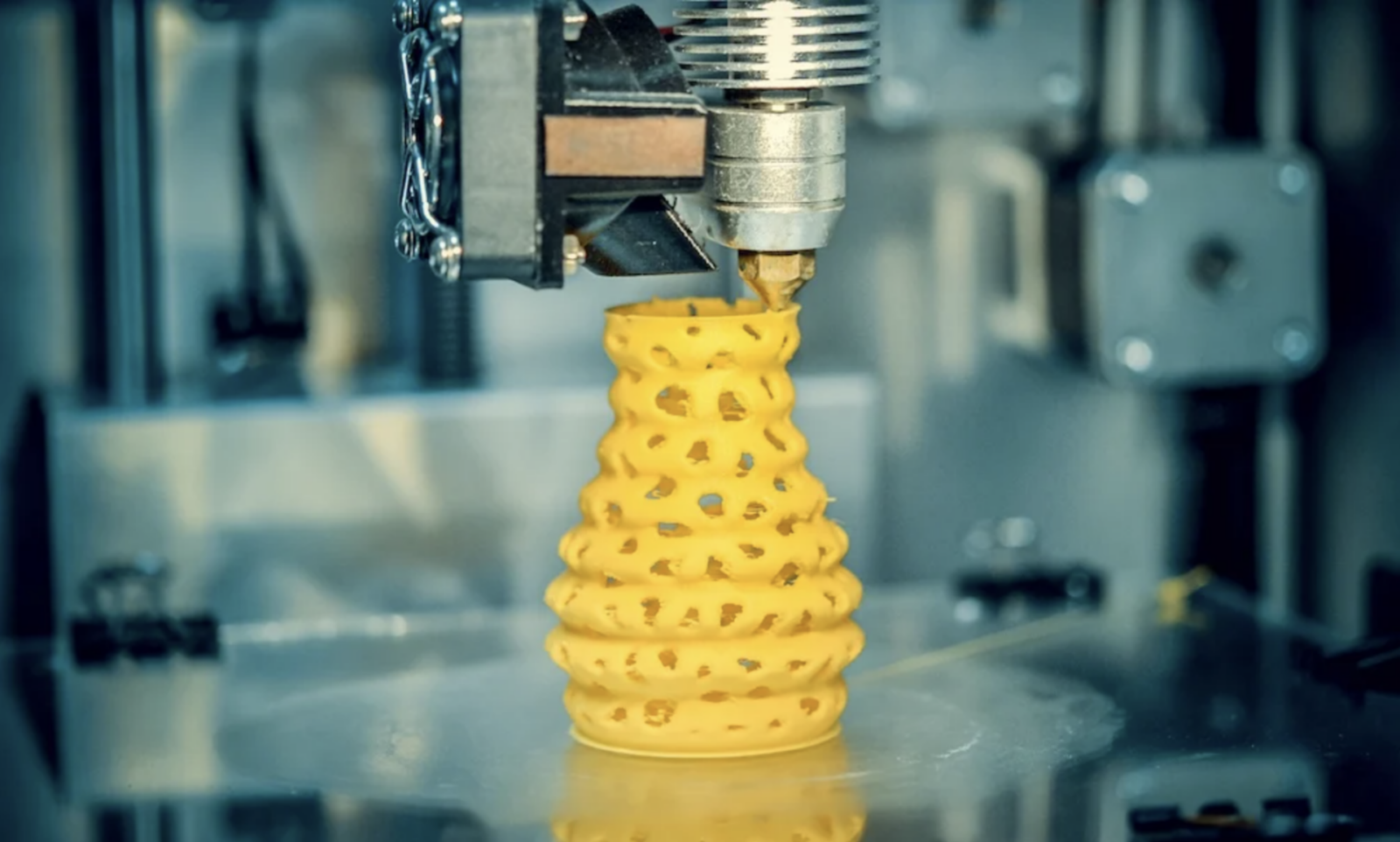
Filament color can influence how a finished 3D print looks and, in some cases, how it prints. Choosing a consistent panchroma filament gives makers access to colors and surface effects that can support different visual goals. However, color alone is rarely the main factor determining whether a part is strong, accurate, or successful.
The base polymer, manufacturing consistency, moisture level, and printer settings normally have a greater impact. Starting with a dependable polymaker filament and following the recommended temperature range helps establish a reliable profile. Small adjustments may still be necessary when changing colors or finishes, even within the same material family.
How Filament Color Can Influence Printing
Plastic becomes colored when pigments or dyes are added to the base resin. These additives change the way the material absorbs and reflects light. Depending on their chemistry and concentration, they may also produce minor differences in heat absorption, flow, or cooling behavior.
For standard filaments from a well-controlled product line, these variations are usually limited. A color change should not transform a suitable material into an unsuitable one. Nevertheless, a profile tuned for one spool may need slight refinement for another.
Nozzle Temperature and Flow
Different pigments can subtly affect how filament melts and moves through the nozzle. If a new color produces rough surfaces, weak layer bonding, or inconsistent extrusion, adjusting the nozzle temperature by a few degrees may help.
Cooling and Layer Adhesion
Pigments may influence how quickly the material responds to heating and cooling, although the effect is usually less important than fan speed, room temperature, or part geometry. Observe overhangs, bridges, and corners when testing a new color.
Color Has a Stronger Effect on Appearance
Light and Dark Colors
Light-colored filament often reveals shadows, thin walls, and internal structures more clearly. White parts may also make small blobs, seams, or dirt more noticeable. Dark colors can hide some internal features, but glossy black surfaces may highlight scratches and layer lines under direct lighting.
Opacity also matters. A highly opaque color may cover infill patterns with fewer walls, while translucent or pale colors can require additional perimeters. Wall thickness should still be selected for strength rather than appearance alone.
Matte, Satin, and Glossy Finishes
Satin or glossy surfaces create stronger highlights. They can make curves look smooth and colors appear vivid, but they may also emphasize ringing, inconsistent extrusion, or visible seams. Slower outer-wall speeds can improve the final appearance.
Special-Effect Filaments
Glitter, metallic, glow, marble, and other special effects involve more than pigment. Added particles can change flow behavior, surface texture, and nozzle requirements. Some additives may be abrasive, so a wear-resistant nozzle could be appropriate.
These materials may also benefit from a larger nozzle or slower printing. Always check the product guidance rather than assuming that settings for a standard solid color will work unchanged.
Does Color Affect Part Strength?
Color can contribute to small mechanical differences, but it is rarely the deciding factor in normal projects. Layer orientation, wall count, infill design, moisture, printing temperature, and material type usually have much greater effects on strength.
For functional parts, test the exact filament and settings that will be used in production. A visual inspection cannot confirm mechanical performance. Simple sample bars or spare components can reveal weak bonding, brittleness, or unexpected flexibility before a critical part is printed.
How to Change Colors Successfully
When loading a new color, purge enough material to remove the previous shade from the nozzle. Residual plastic can create streaks, especially when moving from a dark color to a light one.
Print a small calibration model and inspect color uniformity, surface quality, bridging, and layer adhesion. Record any temperature or flow changes for future use. Consistent storage is also essential because moisture can create defects that are easily mistaken for color-related problems.
Conclusion
Filament color affects visual quality more clearly than structural quality. Pigments can cause minor printing differences, while opacity and surface finish strongly influence how layer lines and defects appear. Specialty effects may require additional nozzle or speed adjustments. By calibrating each new spool and controlling moisture, temperature, and cooling, makers can achieve reliable prints without limiting their color choices.