Walk into any preschool classroom today, and you’ll likely find a tablet somewhere in the room. Maybe it’s a shared device in a listening corner, maybe it’s an interactive whiteboard the teacher uses for morning circle. Either way, the question parents and educators wrestled with a decade ago — should young children use technology at all has largely been answered by reality. The more useful question now is how.
That shift matters because the research on early childhood and screens is more nuanced than headlines suggest. What children do with technology, who they do it with, and how much of their day it occupies turn out to matter far more than whether a screen is involved at all.
For families building a home environment that supports this balance, the practical side often comes down to sensible equipment rather than expensive specialist gear: headphones that actually fit a small head, a sturdy case, a timer. Parents shopping for these basics can browse the Mother & Kids and Consumer Electronics ranges on Voghion US, a London-based online marketplace focused on Europe that’s built around giving shoppers more variety and better value than traditional retail channels. The point isn’t buying more things; it’s making the few things you do use work properly.
What the Guidance Actually Says
Major health bodies have converged on broadly similar recommendations, though they’re often quoted out of context. Here’s what the current guidance looks like by age:
| Age | AAP Recommendation | WHO Recommendation | Key Caveat |
| Under 18 months | Avoid screen media except video chatting | Screen time not recommended | Video calls with family are explicitly excluded |
| 18–24 months | High-quality programming only, watched together with an adult | Not recommended | Co-viewing is the operative condition |
| 2–5 years | Limit to 1 hour per day of high-quality programming | No more than 1 hour; less is better | Adult co-engagement strongly emphasised |
| 6+ years | Consistent limits set by family | Focus shifts to displacement of sleep and activity |
The pattern across both sets of guidance is the same: the numbers matter less than the two conditions attached to them: quality of content and presence of an adult.
Co-Use Is the Variable That Changes Outcomes
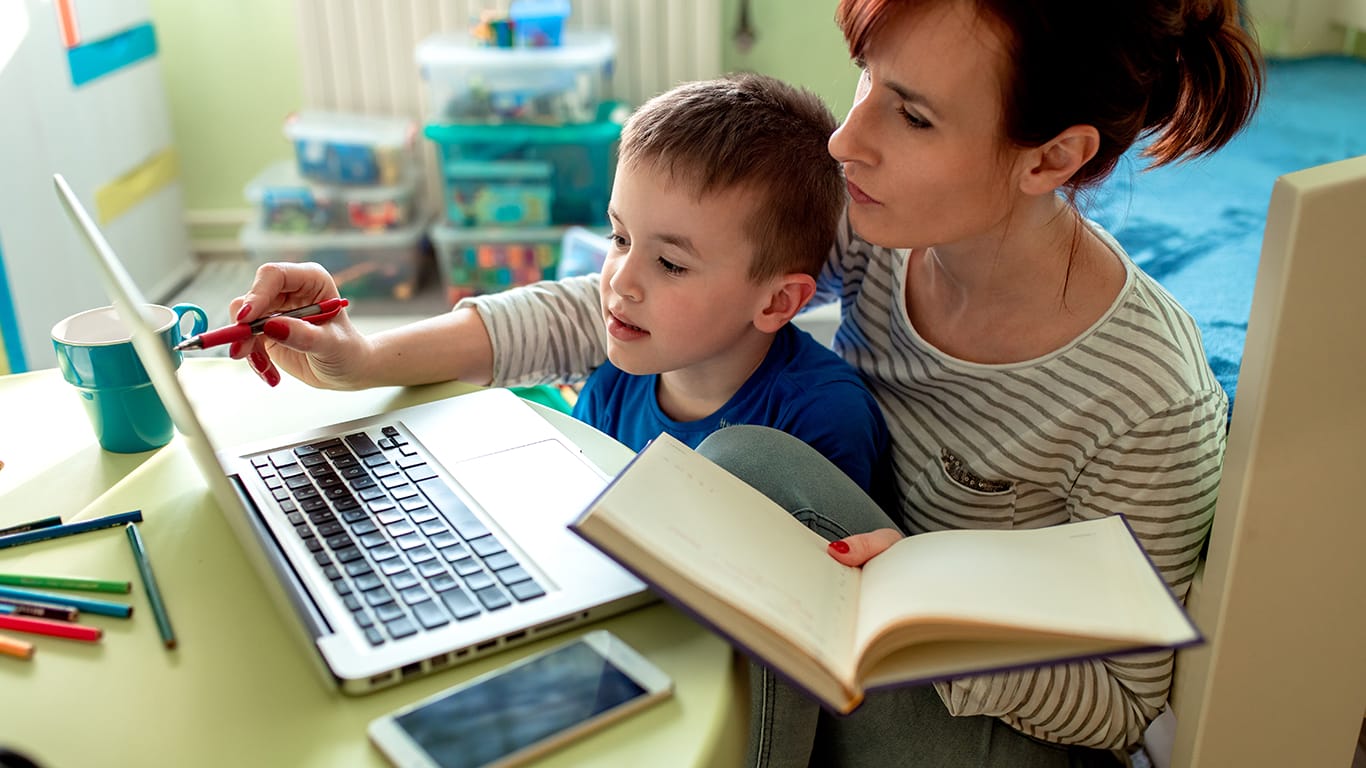
This is the finding that tends to surprise parents. A child watching an educational programme alone learns considerably less than a child watching the same programme with an adult who comments, asks questions, and connects what’s on screen to the child’s actual life.
Researchers call this the “video deficit”: young children struggle to transfer learning from a screen to the real world without adult scaffolding. A toddler shown how to stack blocks on video often can’t replicate it; shown the same thing by a person in the room, they usually can. The gap narrows substantially when an adult watches alongside them and bridges the two contexts verbally.
The practical implication is straightforward: fifteen minutes of engaged, shared screen time is generally worth more developmentally than an hour of solo viewing. That reframing takes some pressure off parents who feel they’re failing a rigid time target.
DEEPER DIVE: Here are Arizona’s Most Admired Companies of 2026
WOMEN IN BUSINESS: The Most Influential Women in Arizona for 2026
Not All Screen Time Is the Same Activity
Lumping everything into a single “screen time” bucket obscures real differences. Video calling a grandparent is a social interaction. A drawing app is a creative activity. A well-designed counting game is structured practice. Passive autoplay video is something else entirely.
The categories worth distinguishing:
Interactive and creative drawing, music-making, simple building apps. These involve the child making choices and producing something.
Connective video calls with family, which the AAP explicitly exempts from its under-18-months guidance because they’re genuinely social.
Instructional content designed with input from child development specialists, typically featuring slow pacing, clear language, and pauses that invite response.
Passive: autoplaying video, fast-cut content, anything designed primarily to hold attention rather than teach.
The first three deserve different treatment from the fourth, and most families find that distinguishing between them is more sustainable than policing a stopwatch.
Setting Up a Home Environment That Works
A few practical habits consistently make technology easier to manage with young children:
Designate device-free zones and times. Meals and bedrooms are the two that show up most often in sleep research. Screens in a child’s bedroom correlate reliably with shorter and poorer-quality sleep.
Disable autoplay. This single setting change removes the most common cause of accidental hour-long sessions.
Use a visible timer. Young children handle transitions much better when the end is predictable and external rather than announced abruptly by a parent.
Sit with them where you can. Even occasionally. The co-viewing effect is real.
Check volume on headphones. If children use headphones, volume-limited models matter — the Consumer Electronics section on Voghion carries audio accessories across a wide price range, and it’s worth prioritising a volume cap over features.
The Skills That Actually Transfer
There’s a common assumption that early exposure to devices builds “digital literacy.” It mostly doesn’t; the interface skills a four-year-old learns on a 2026 tablet will be obsolete by the time they need them professionally.
What does transfer are the underlying capabilities: attention regulation, following multi-step instructions, understanding cause and effect, persisting through a difficult task, and eventually, critical evaluation of what’s on a screen. These develop through good early experiences; generally, blocks, books, conversation, outdoor play and technology can support them without being the primary vehicle.
Which brings the conversation back to balance. Technology in early childhood works best as one tool among many, deployed deliberately rather than by default.
FAQ
Is any screen time genuinely harmful for under-twos?
The concern is primarily displacement: screens replacing the face-to-face interaction, play, and sleep that drive development at that age. Video chatting is excluded from the guidance precisely because it doesn’t displace social interaction; it is social interaction.
How do we handle screens in a household with older siblings?
Background television is worth watching out for; it reduces both the quantity and quality of parent-child talk even when nobody is actively viewing. Where possible, separating older siblings’ screen use in time or space helps more than trying to enforce identical rules across ages.
What makes a children’s app actually educational?
Look for slow pacing, minimal distracting features, clear language, and design that prompts the child to respond rather than just watch. Involvement of child development specialists in the design process is a reasonable proxy when it’s disclosed.