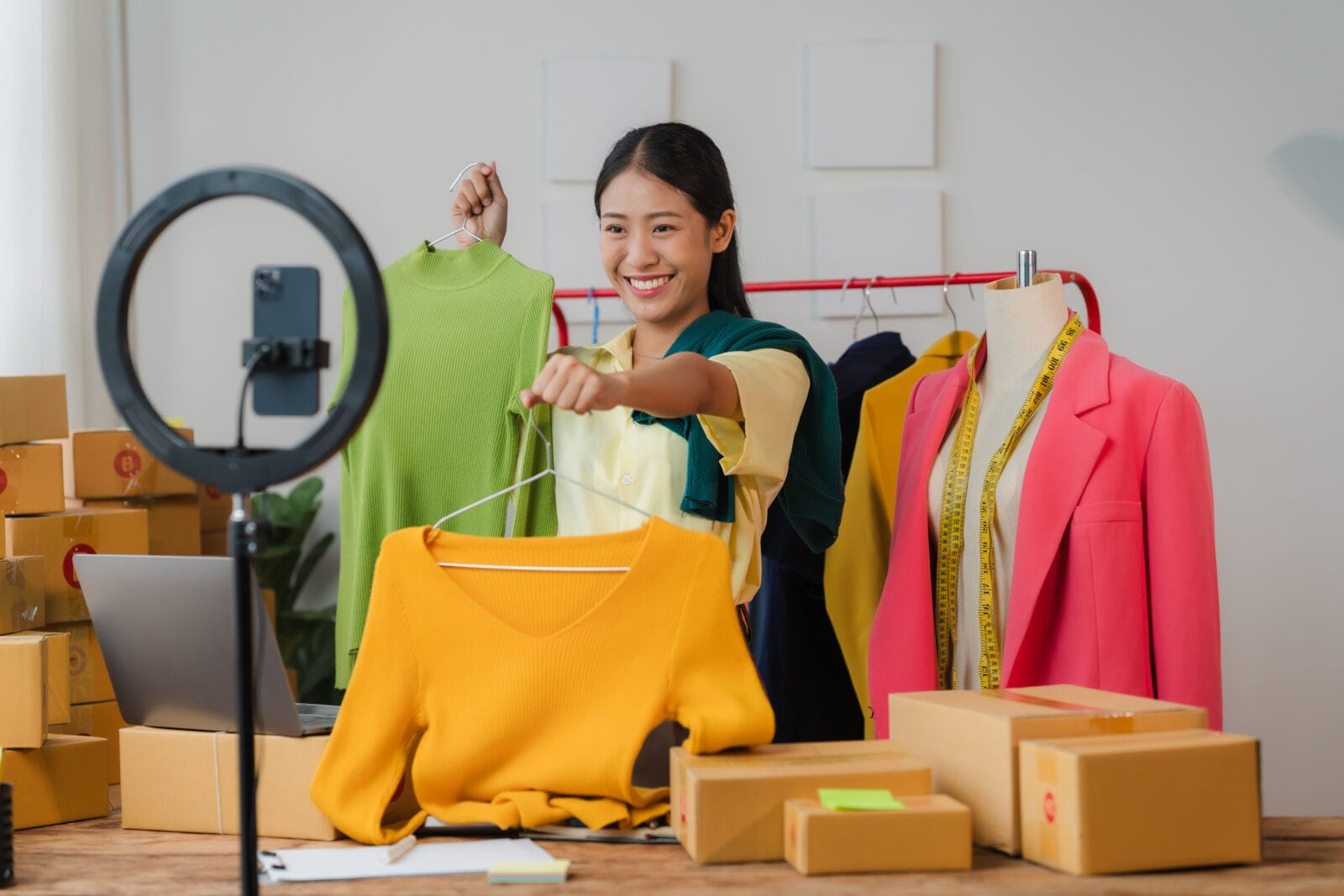
A boutique in Phoenix, Scottsdale, or Tucson rarely gets its stock in one tidy delivery. Pieces arrive in drops, some sell within days, and the shoot that was supposed to cover everything happens three weeks after the first items leave the rack.
That gap costs sales. A garment with no photograph cannot be listed, posted, or advertised, and a studio day for a handful of new pieces rarely makes financial sense.
There is a lighter way to work, and it starts by changing what a shoot is for.
Where the Time Actually Goes
The photography itself is the smallest part of the problem.
- Booking a model, a photographer, and a space on the same day
- Steaming, styling, and photographing every piece in every colour
- Editing hundreds of files before anything can be listed
- Repeating the whole process when the next drop arrives
Most boutiques respond by shooting less, which means new stock sits unseen. The better answer is to shoot less of each piece and extend what you capture.
Extending One Shoot With Fashion AI
Instead of photographing every garment on a model, a boutique can photograph each piece simply and let fashion AI build the styled, on-model views from those photographs. The real garment stays the source, and the styling around it becomes flexible.
Keeping the Garment Accurate
This is the part customers judge you on. A shopper who sees one collar in the photograph and receives another will return the dress.
Reference photographs of the actual piece drive the result, so the output follows the garment you stock rather than a loose description of it. Anything that does not match the real item should not be published.
Changing Settings and Seasons
Once a look exists, the setting becomes a choice rather than a booking.
- The same outfit in a studio, on a street, or in a seasonal scene
- Campaign images for social posts without another shoot day
- Fresh visuals for older stock that needs a push
- Variants for testing which image earns the click
MORE NEWS: Atari Hotels breaks ground in Roosevelt Row
DEEPER DIVE: 10 Arizona restaurants make Yelp’s Top 100 Mexican food spots
Cleaning Up Photos You Already Have
Many boutiques already own hundreds of usable photographs that look worse than the garment deserves.
- Relight images shot in a dim fitting room
- Remove a rack, a cable, or a passer-by from the background
- Replace a cluttered backdrop with a clean one
- Upscale small supplier images to 4K for a full-width product page
Fixing an existing photograph is often faster than generating a new one, and the result is unambiguously your actual stock.
What the Full Workspace Offers
Single-purpose tools solve one stage and leave the rest, while ImagineArt holds the whole process in one workspace, which suits a boutique with no in-house designer.
Models
ImagineArt runs around forty models, so each task gets the engine that suits it.
- Image engines including Nano Banana, Flux, Seedream, Recraft, and Ideogram
- Video engines including Runway, Veo, Kling, Seedance, and Gemini Omni Flash
- Image to video, which turns a product photo into a short clip for social
- Brand kits that store colours and logos so every post matches
Studios
Four purpose-built workspaces handle specific jobs.
- Fashion Studio styles models, outfits, and scenes for any shoot
- Ad Studio turns a product into ready-to-run video ads
- Film Studio directs longer videos scene by scene for a seasonal film
- Audio Studio covers voiceover, sound, and lip sync
Apps and Integrations
A desktop app, a browser extension, and plugins let a small team work where they already are, and an MCP server and API connect it to other systems for anyone building their own workflow.
A Weekly Routine for a Boutique
- Photograph each new arrival simply, in daylight, against a plain backdrop
- Shoot one or two hero pieces properly on a real model
- Generate styled views for the rest from those reference photographs
- Clean, relight, and upscale before anything goes live
- Export vertical for social and square for the shop in one pass
Being Straight With Customers
Trust is a boutique’s main asset, and a few rules protect it.
- Show the real colour, fabric, and cut, since mismatches produce returns
- Generate nothing that suggests a feature the garment lacks
- Do not generate recognisable real people without their consent
- Disclose generated imagery where platform or local rules require it
- Keep real photographs for anything about fit, which only a person on a body shows
Clips run around ten seconds, so longer videos are stitched together, and first attempts are often wrong, so expect to retry.
Conclusion
A boutique does not need a studio day for every drop. Photograph each piece simply, shoot a few heroes properly, and use fashion AI to extend those images into the styled views, settings, and campaign visuals the rest of the stock needs. ImagineArt suits that routine because the models, the Fashion, Ad, Film, and Audio studios, the editing tools, and the desktop and extension apps sit in one place, so a small team can list new stock the week it arrives. Start with the free daily credits, take one new arrival, and compare the result against your last shoot.
Frequently Asked Questions
Can a boutique use AI images on its product pages?
With care. Product pages should show the real colour, fabric, and fit, so generated views suit campaigns and social posts better than listings. Keep real photographs wherever accuracy decides the sale.
Does this replace models and photographers?
Not entirely. It replaces the volume work, meaning extra settings, variants, and seasonal refreshes. Hero imagery and anything about fit still benefit from a real shoot.
How long does it take to produce images for a new arrival?
Once you have a simple photograph of the piece, a styled view can be generated in minutes. Most of the time goes into choosing the best of several versions.