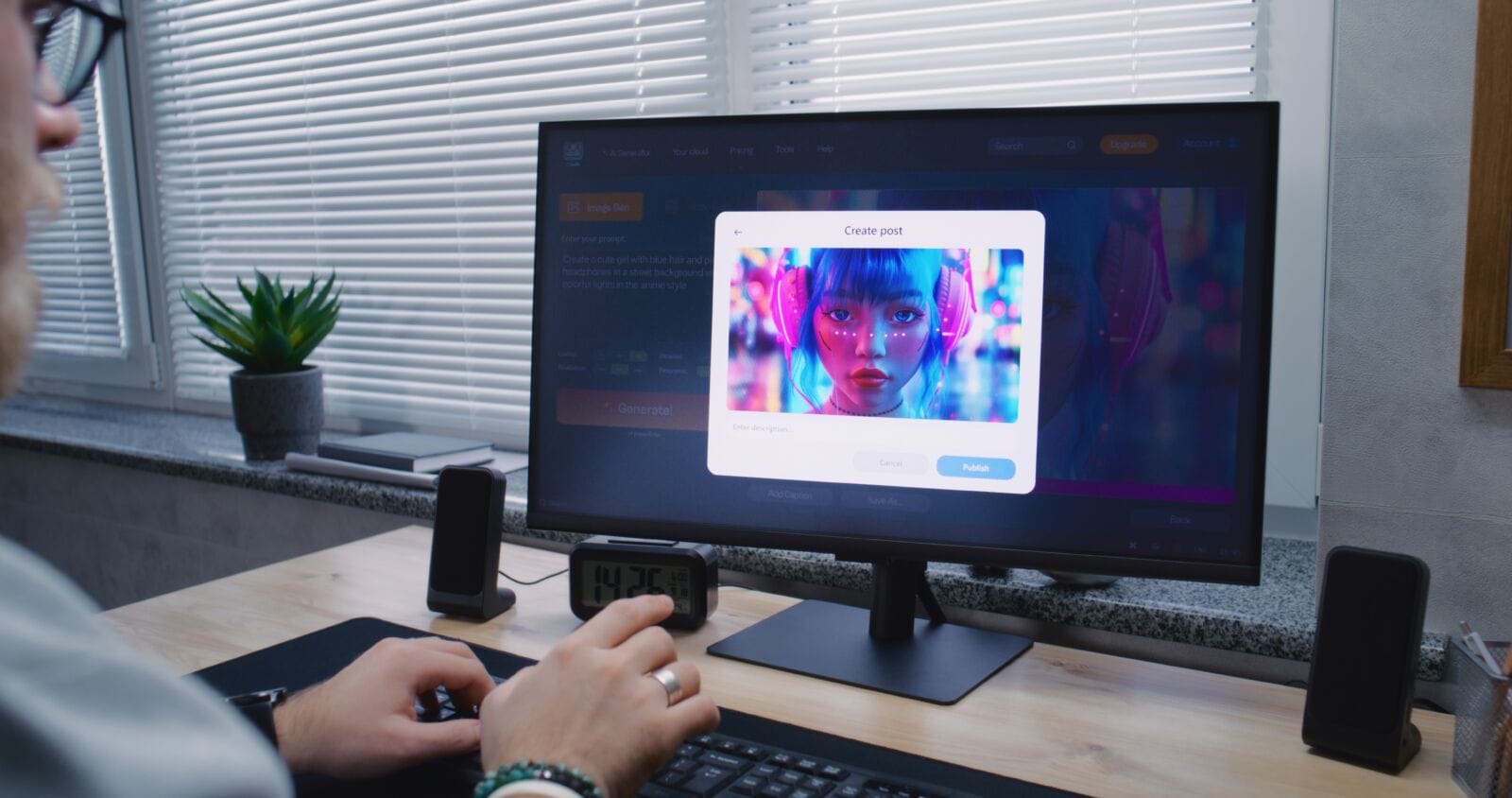
Creating high-quality visuals was previously an arduous process involving advanced design skills, expensive software, and countless hours of manual editing. To create marketing assets, design social media graphics, or produce campaign visuals, marketers and designers faced multiple frustrations with an unending cycle of using different tools as well as a frustrating back-and-forth editing process to achieve polished, professional-looking content.
Seedream 5.0 pro has changed this by allowing users to quickly and easily generate, edit, and create high-quality visuals with its smart AI-integrated workflows and seamless connection to the Dreamina platform.
Additionally, if a user identifies an issue with an image, they will be able to find and apply precise Editor edits to the image without altering its composition. Using Seedream 5.0 pro and Dreamina together gives marketers, entrepreneurs, designers, and hobbyists a smoother, more integrated creative process when creating professional-level content.
Professional visuals begin with better direction
Every high-end visual begins with a creative idea. Before a single frame is shot or the design software opens up, your concept exists as a simple instruction: “I want a confident product designer…” etc. With Seedream 5.0 pro, it interprets precise textual instructions to render an image matching your creative direction with exceptional accuracy.
This technology is useful across all kinds of visual projects, from marketing and advertising to brand design, product showcases, website banners, social media content, and portfolio presentation. Because it’s possible to write more detailed prompts, less time will be spent on revisions.
DEEPER DIVE: Here are the Most Influential Women in Arizona Business for 2026
A LOOK BACK: Most Influential Women in Arizona from 2012-2025
Why editing like a pro no longer means starting over
In the world of traditional image editing, the process can be maddening. Fix one thing, and it throws off everything else. If you’re replacing a product in a photo for a campaign, now the lighting or the background no longer matches. The same holds true for updating colors or the environment itself.
Seedream 5.0 pro solves this with targeted adjustments to existing elements rather than complete image regeneration. This lets you refine any aspect of an image while preserving the original composition.
For instance, you can easily:
- Replace an item without altering the existing lighting
- Change an item’s color without messing up facial features
- Adjust the background elements while maintaining the primary subject
- Remove unwanted details without having to completely re-generate the image
Seedream 5.0 pro feels like a professional editing workflow rather than simple hit-or-miss image generation.
Dreamina makes it easy to build professional visuals faster
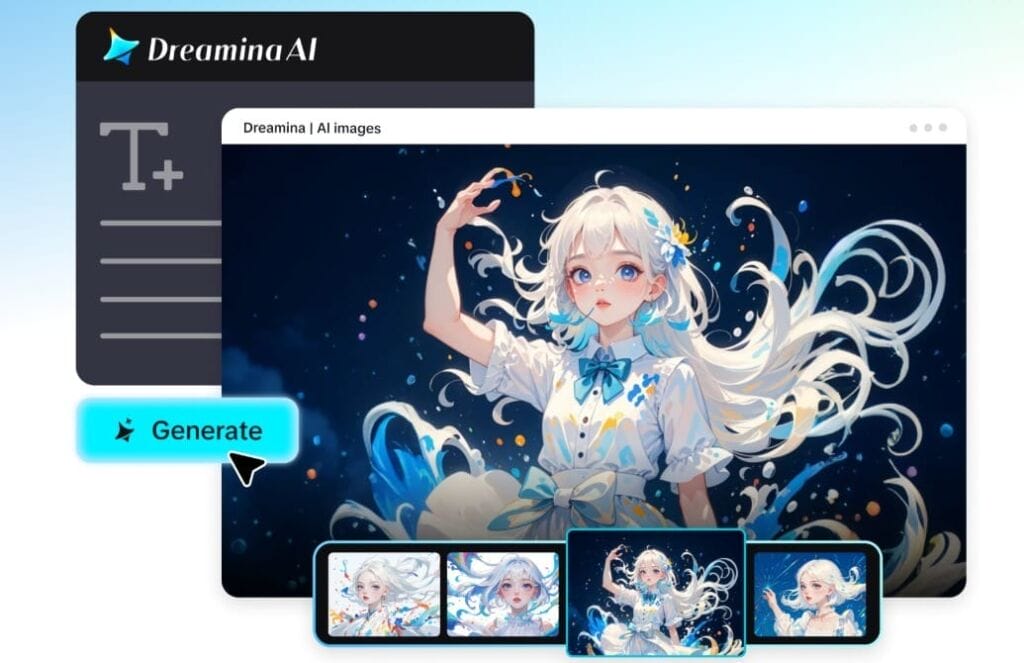
Getting started with professional-level imagery isn’t intimidating if you understand how to use Seedream 5.0 pro. Dreamina offers a simple, guided workflow that takes you from initial concept to finalized artwork, giving you creative authority at every turn.
Step 1: Write your prompt
Launch Dreamina and write a descriptive text prompt for the professional image you envision. The more detailed your prompt, the more Seedream 5.0 pro will understand.
For example: A confident product designer wearing a modern black blazer and smart casual attire, standing inside a bright contemporary design studio while presenting a sleek wireless headphone prototype on a minimalist display table. Soft natural window lighting, clean white interior, premium commercial photography, realistic textures, balanced composition, subtle depth of field, luxury branding aesthetic.
Step 2: Set parameters and generate
Select Seedream 5.0 pro from the models menu in Dreamina. Choose your preferred aspect ratio, image dimensions, and resolution (1K or 2K). Then click Dreamina’s Generate button to bring your idea to life!
Step 3: Refine and download
Once your image is ready, use Dreamina’s advanced AI editing tools. Use Inpaint to change a specific object,Remove unwanted elements,Expand to broaden the canvas, orRetouch to enhance finer details. Click Download to save your master piece!
Seedream 5.0 pro streamlines professional creative workflows
One reason why Seedream 5.0 pro is such a breakthrough is the blend of sophisticated image generation capabilities with professional editing features. The intelligent, deep-thinking generator can analyze complex prompts, creating images with more refined layouts, more sensible object interactions, and greater overall visual harmony. In terms of editing, it offers precise control and supports a layer-based workflow so individual elements can be changed without impacting the entire scene.
In other words, Seedream 5.0 pro works with your images as individual components, not just a flat surface. Furthermore, the ability to produce reference-quality images compatible with Seedance 5.0 pro can make it much easier to turn those finished stills into beautifully consistent AI-generated videos. It offers the ability to build a seamless workflow that encompasses both stunning still imagery and cinematic motion.
Create consistency for that professional look
In many professional visual projects – branding, marketing campaigns, collections of product photos – you need a variety of images that all maintain a cohesive look and feel. Seedream 5.0 pro generates visuals with the same color palette, lighting, mood, and compositional approach across a whole set.
That means everything, from campaign assets to promotional materials and social graphics, looks integrated, not haphazard. This is especially important for anyone working to transition their work from stills to video, since good references in Seedream 5.0 pro are a great anchor for animating with Seedance 5.0 pro.
From ideas to high-quality visuals, with confidence
Generating professional imagery, performing precise edits, and maintaining a cohesive brand identity no longer requires years of training or a hefty budget. Seedream 5.0 pro puts a complete creative suite into your hands, streamlining the process and delivering polished results whether you’re crafting marketing materials, a portfolio, or a full campaign.
And with the ability to create perfectly matched reference stills for Seedance 5.0 pro, your workflow becomes even more powerful as you seamlessly transition from striking static imagery to captivating AI-generated motion graphics.