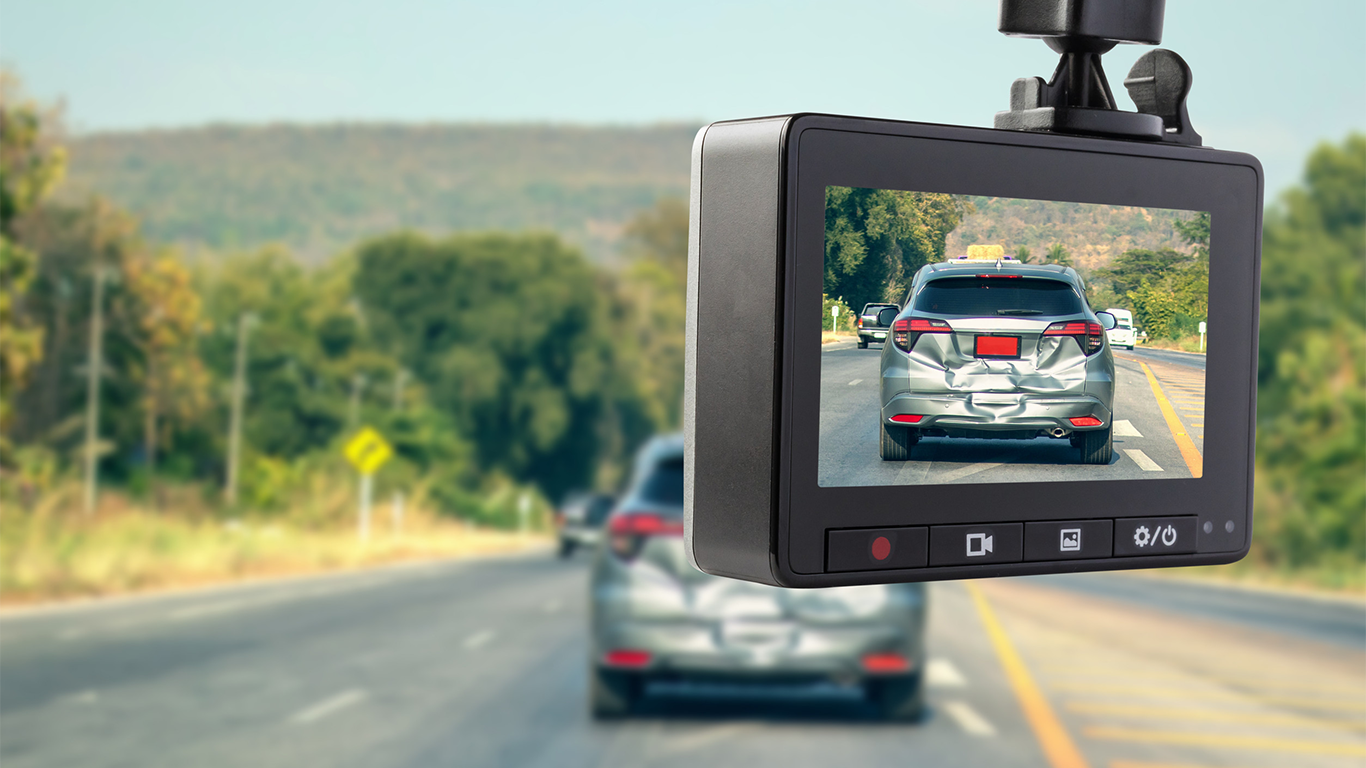
You want a calm drive, but a single close call, a false accusation, or a parking-lot bump without a note can lead you to argue without proof. Many people also find out too late that night video is often too blurry to read license plates, recording stops after a power hiccup, or the memory card fails due to constant overwriting. By following a few practical rules, you can get footage you trust and maintain a setup that keeps running, starting with the best dash cam.
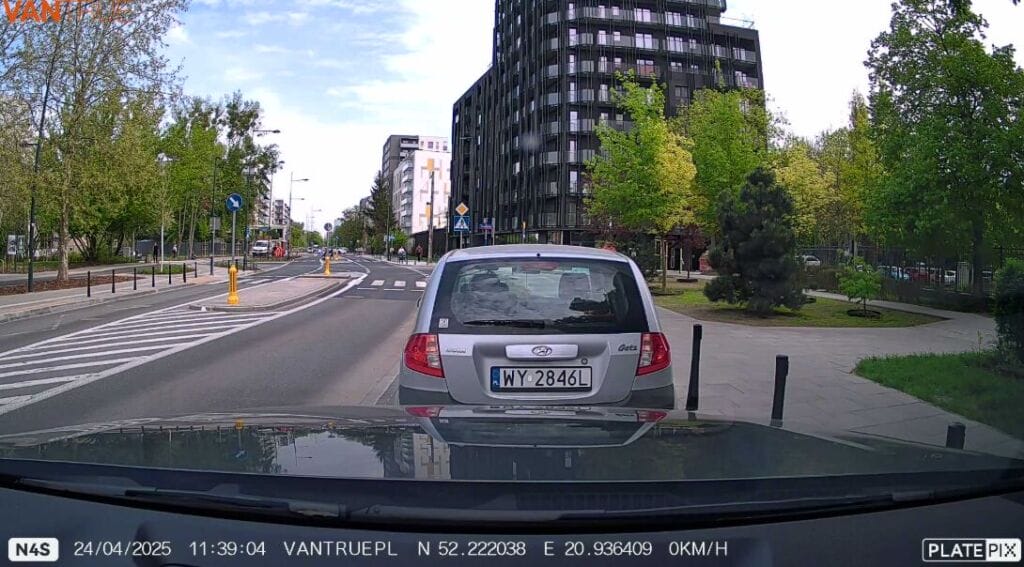
Brand Credibility Basics
A dependable brand makes it easy to verify what you are buying: clear specifications, realistic storage limits, straightforward installation guidance, and firmware updates that resolve issues. As a neutral example, the Vantrue N4 is commonly described as a three-channel unit that can record the front road view, the cabin, and the rear simultaneously. Use that level of clarity as your standard, then judge every model the same way.
Match Camera Configuration
Compare Coverage Types
Pick coverage based on where disputes happen in your life. Front-only cameras cover most forward incidents. A front and rear dash cam provides evidence for rear-impact, tailgating, and lane-change claims. A 3-channel dash cam adds cabin context when passengers or work trips change your liability.
The best dash cam for you is usually the simplest configuration that still covers your highest-risk angles.
Who Needs Cabin Video
Cabin recording helps when people inside the vehicle can change the story, such as rideshare, teen drivers, frequent carpooling, or transporting clients. If that is not you, interior video can add privacy concerns and extra storage demands without much upside.
If you are unsure, treat the best dash cam as a decision filter: add interior video only if you can name a scenario where you would need it.
Mounting and Placement
Placement can make or break evidence. Mount the front camera high and centered, without obstructing your view, and use a stable mount that does not wobble on rough roads. For rear cameras, choose the clearest glass and keep the lens area clean.
A CPL filter can reduce windshield reflections, and careful leveling prevents tilted-horizon footage. Before you call any setup the best dash cam choice, record a short day-and-night test to confirm glare control and readability.
Prioritize Usable Video Evidence
Resolution and Detail
Resolution helps only if the image stays readable in motion. 1080p can work in daylight. A 4K dash cam can add detail, but larger file sizes and weak low-light processing can cancel that benefit. Prioritize sharpness at driving speed and legible signs and plates at a safe following distance.
Field of View
Very wide angles can shrink distant details and distort edges. You want enough width to show adjacent lanes and intersections while keeping key information large enough to be easily identifiable. Ensure traffic lights and lane markings remain visible at normal stop-line distance.
Low-Light Settings
Night footage is often the deciding factor. Look for exposure control that keeps headlights from washing out the scene. If you record the cabin, infrared interior lighting can help capture faces without bright visible light. After installation, do one quick night route and adjust settings once.
Choose Reliable Recording Behavior
Loop Recording Basics
Loop recording overwrites the oldest unprotected clips when the card is full. What matters is how easily you can protect important moments. You should be able to lock a clip quickly, and impact detection via a G-sensor should automatically lock the files.
Power stability matters too. If your camera cuts out over bumps, you can miss the moment you need.
Parking Mode Triggers
Parking mode watches your vehicle when it is off. Common options include motion detection, impact detection, and time-lapse parking. Motion can catch someone approaching, impact can lock the moment of a bump, and time-lapse can cover long stays with smaller files.
To use parking mode well, you typically need a hardwire kit so the camera can run with the ignition off. Choose one with a low-voltage cutoff so the system stops before your battery drops too low to start the car.
Evidence and Compliance
Audio and cabin recording rules vary by location, so check local requirements before recording passengers. Set the correct date and time, keep the original file after an incident, and share copies so you preserve an untouched version if questions arise.
Plan Storage and Access
GPS Context
A GPS logging module can record location and speed data, helping resolve disputes about where you were or when an event occurred. Confirm whether GPS is embedded in the video, stored in a separate log, or both, and test that it reconnects quickly after a garage.
Wi‑Fi Transfers
Wi‑Fi can help you review and export clips without pulling the card, but large files can still take time. Test a real download to ensure you can quickly find a dated client.
Card Health and Capacity
Dash cams write constantly, so use a high-endurance microSD card made for continuous recording. Choose capacity based on your resolution and channels, and expect multi-channel and higher-resolution video to overwrite sooner.
Format the card in the camera according to the recommended schedule, and replace it if you encounter errors or missing clips. Also, check published limits and compliance markings. For example, some Vantrue product pages list maximum supported card sizes and certifications (e.g., CE, FCC, RoHS), which helps you confirm that you are viewing a complete spec sheet.
Make Installation Easy Daily
Power and Battery Protection
A 12V socket is straightforward, but it often disconnects when the car is off, which limits parking mode. Hardwiring can unlock parked monitoring and reduce messy cables, but do it with battery protection in mind. A hardwire kit with a low-voltage cutoff is the practical safeguard most drivers need for parked recording.
Cable Management Reality
Clean routing improves reliability and can reduce the temptation to steal. Run cables along the headliner and behind trim where possible, and keep wiring away from airbag areas. Use clips instead of dangling cords, and keep the setup discreet when you park in public.
Controls You Will Use
You should be able to confirm recording at a glance, lock a clip quickly, and mute audio without digging through menus. Practice saving a clip once to do it under pressure.
Conclusion
If you want evidence you can use, you need the right angles, readable night video, reliable loop recording, and storage that survives constant rewriting. Add parking mode only if you will power it correctly with a hardwire kit and a low-voltage cutoff, and keep your installation tidy, so it stays dependable. Whether you choose Vantrue or another brand, use the best dash cam checklist as a practical guide, then test your setup once to confirm it is working.