A trade show booth can attract attention and still fail at its main job. Visitors may photograph an animation, collect a giveaway, and leave without understanding what the company sells. For a small business paying for floor space, that gap matters more than how impressive the display looks in a photograph.
Companies preparing for an exhibition in Arizona or elsewhere should design the visitor journey before selecting equipment. The display is one part of that journey. It should lead naturally to a relevant demonstration, a useful question, and an agreed next step.
Define the next conversation
Begin with the audience’s problem. An equipment supplier might want to discuss a production bottleneck. A consumer brand might want retailers to examine a new product. A software business might need visitors to recognize a task that takes too much time.
Write a brief opening question that connects the display to that problem. If staff cannot explain the connection in ordinary language, the concept needs more work. A moving company logo may establish identity, but it rarely explains why a particular visitor should stop.
Keep the main promise specific enough to demonstrate. Avoid trying to communicate the entire company history in one loop. The booth team can introduce additional services once it understands what the visitor needs.
Choose equipment by its role
A monitor is useful for interfaces, detailed video, and captions. A physical sample allows visitors to judge materials or inspect a mechanism. Printed graphics provide a message that stays visible when staff are occupied. These tools should work together rather than repeat the same information at different sizes.
A hologram fan can provide a distinct visual introduction. Rotating LEDs form an image that appears to float when the content and surroundings suit the effect. A bold product animation may be easier to recognize than a dense slide, but the display does not replace a detailed demonstration.
Businesses exploring this format can compare fan-based hologram projectors from HologramFans.com as part of the equipment brief. Match the full installation footprint to the booth plan and test the selected model with the actual file you intend to show.
MORE NEWS: Fairmont Scottsdale Princess sold to San Manuel Investment Authority
Draw the route through the booth
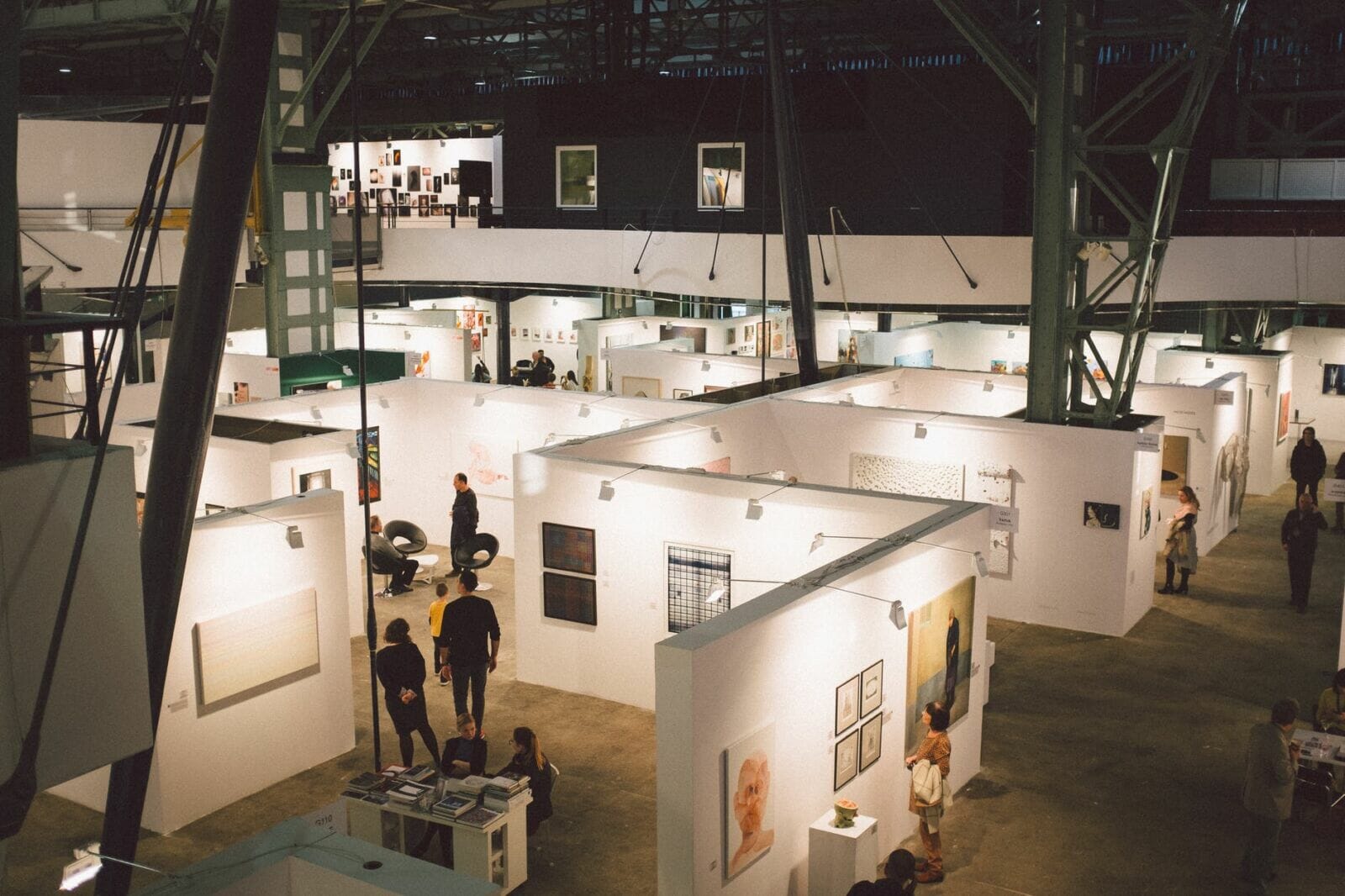
Mark where a passerby first sees the visual, where someone can stop, and where a longer conversation can happen. Those should not all be the same narrow patch of floor. Leave enough room for people to enter and leave without stepping around equipment or interrupting another discussion.
Place the follow-up demonstration close enough that staff can make an easy transition. If the animation features a product, keep the physical item or an explanatory screen nearby. The visitor should understand why the two belong together.
Review the plan with the event organizer and the people handling installation. Confirm mounting, power, height restrictions, and any requirements for moving displays. Include protective equipment in the footprint rather than treating it as something to add after the booth is built.
Create content for an interrupted audience
Attendees will arrive at different points in the sequence. They may watch for a few seconds, look away, and return. The visual should make sense without requiring everyone to see the beginning of a long presentation.
Build the loop around one recognizable subject. Use movement to show a meaningful feature: a part rotating into view, a product opening, or an assembly coming together. Keep supporting claims on nearby signs where they can be read without waiting for another cycle.
Avoid fine text, crowded compositions, and unrelated effects. Test the animation from the aisle and at the demonstration position. Ask someone unfamiliar with the project to describe what it communicates. Their answer will reveal whether the content makes sense outside the marketing team’s own context.
Rehearse the operating routine
Run a complete setup before travel. Check the mount, playback method, supported file format, and power requirements for the exact equipment. If multiple devices are involved, confirm their actual synchronization capabilities rather than assuming they will coordinate automatically.
Assign one person responsibility for startup and one for the content files. They can be the same person in a small team, but the responsibilities should be explicit. Keep approved exports clearly labeled and accessible to a backup operator.
For rotating displays, follow the manufacturer’s instructions and prevent visitor contact with moving parts. Keep a printed graphic or conventional screen presentation available if the equipment cannot operate. The booth should still communicate its main message when one component is unavailable.
Track the result that matters
Count more than stops and photographs. Record relevant conversations, requested demonstrations, and agreed follow-ups. A brief conversation with a qualified buyer may be more useful than a large crowd gathered around an unrelated spectacle.
Use a simple shared note format. Capture the visitor’s interest, the question discussed, and the promised next action. Follow the company’s normal consent and contact practices. The display should support a professional exchange rather than become a reason to collect details without context.
After the show, compare observations with the original purpose. Did staff find the opening question useful? Did the animation explain the product or require extra explanation? Was the placement comfortable during busy periods? Those answers identify the next improvement.
The strongest booth concepts give attention somewhere productive to go. When the visual, demonstration, and staff conversation form a coherent sequence, equipment becomes easier to evaluate. It earns its space by helping the right visitor understand the business and decide what to do next.