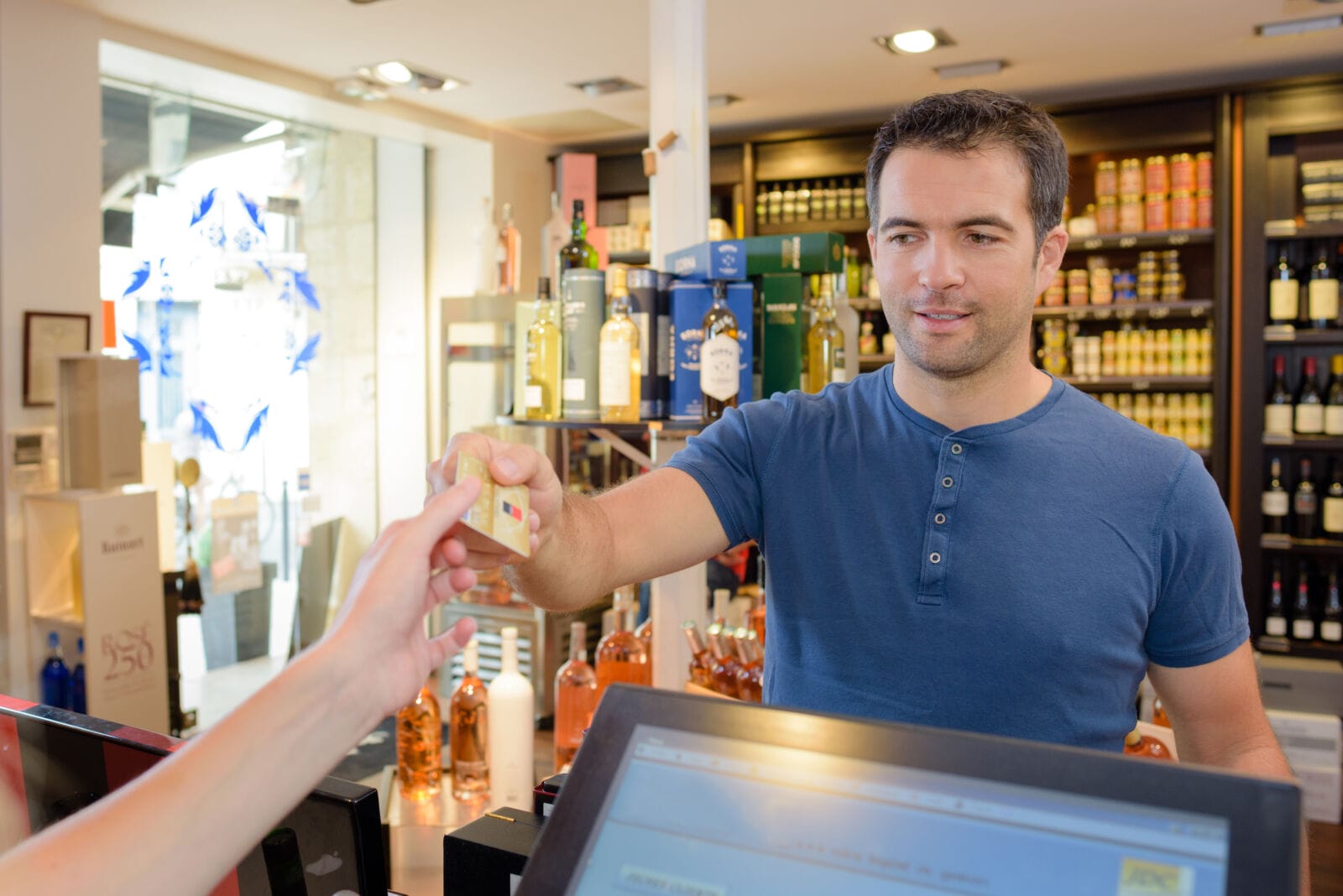
Liquor stores need more than fast checkout. Case breaks, bottle-level inventory, promotions, and age checks all matter when the line gets busy.
I put KORONA POS first for its inventory and promotion workflows, especially across locations. These seven picks cover different store sizes and operating needs.
Key Takeaways
- KORONA POS is my top pick for case breaks, mix-and-match promos, and real-time multi-store inventory.
- Bottle POS suits stores prioritizing built-in ID scanning and delivery integrations.
- Lightspeed Retail fits broader retail operations willing to add liquor-specific apps.
- mPower suits beverage-heavy workflows; Cloud Retailer offers a per-lane specialist option.
- Clover suits app-based setups; Square suits smaller stores adding online sales.
How I tested
I compared bottle-level case breaks and promos, reminder versus ID-scan checks, online and delivery age gating, handheld counts, multi-store sync, staff roles, integrations, and pricing transparency.
Integration coverage included DoorDash, Bottlecapps and QuickBooks.
For demos, I’d ask each vendor to show the same case break and promotion, then check the resulting bottle counts. Compare the full package, not just the subscription.
1. KORONA POS
KORONA POS pros
- Case breaks and mix-and-match promos update pricing and inventory automatically
- Handheld counts with real-time multi-location sync
- Integrated liquor loyalty programs, including Bottlecapps
- Age-verification reminders within cashier workflows
- Support for growing multi-location operations
- E-commerce integrations connect online and in-store sales
KORONA POS cons
- Advanced configuration takes setup time
- Some specialized workflows rely on third-party integrations
My experience reviewing KORONA POS

The case-break and promotion logic makes KORONA POS my top pick.
Handheld counts, real-time multi-store sync, and connected loyalty and e-commerce workflows make it particularly appealing for growing stores.
2. Bottle POS
Bottle POS pros
- Built for liquor, wine, and beer retail
- Checkout holds age-restricted sales until an ID is scanned or swiped
- Delivery and accounting integrations, including DoorDash and QuickBooks
Bottle POS cons
- Higher tiers require a quote
- Less flexibility in payment and hardware bundles
My experience reviewing Bottle POS
The ID-scan hold is the main attraction for busy lanes. It’s more prescriptive than a reminder prompt.
3. Lightspeed Retail (X-Series)
Lightspeed Retail pros
- Scheduled price books with outlet targeting
- ID-scan checks through Hyperspace
- E-Series e-commerce offers age-confirmation prompts
Lightspeed Retail cons
- Liquor workflows rely on third-party apps
- Higher tiers add cost before liquor-specific apps
My experience reviewing Lightspeed Retail
This fits retailers wanting one broad retail platform. Scheduled, outlet-specific pricing is the useful detail here. I’d test Hyperspace at checkout before committing, since age verification depends on that integration..
4. mPower Beverage
mPower pros
- Built-in case breaks, deposits, and age prompts
- Automatic mix-and-match repricing
- Processor choice and beverage-focused integrations
mPower cons
- Quote-only pricing
- Back-office tools take time to learn
My experience reviewing mPower
I like that deposits, case breaks, and age prompts sit within the checkout flow. The back office still calls for dedicated training time.
5. Cloud Retailer
Cloud Retailer pros
- Per-lane plan structure
- Liquor-focused feature set
- Store-and-Forward supports sales during internet outages
Cloud Retailer cons
- Payment processing requirements vary by plan
- Advanced features may require higher tiers
My experience reviewing Cloud Retailer
Offline selling is the practical draw for a single-store shortlist.
I’d confirm Store-and-Forward limits and payment processing requirements during a demo.
6. Clover
Clover pros
- Hardware variety and quick deployment
- Configurable checks for age-restricted items
- Mix or Match app adds bundle, BOGO, and mix-and-match promos
Clover cons
- Mix-and-match promotions need a paid app
- Advanced workflows depend on third-party add-ons
My experience reviewing Clover
Clover makes sense if you’re comfortable assembling apps around your hardware. Mix or Match supplies the promotion tools, but adds another bill and support contact.
7. Square for Retail
Square for Retail pros
- Per-location subscription options
- Age prompts, birth-date entry, and compatible ID scanning
- DoorDash alcohol delivery in eligible states
Square for Retail cons
- Online age checks don’t establish legal compliance
- Delivery availability varies by state
- Add-ons increase costs
My experience reviewing Square for Retail
I see Square as a starting point for smaller shops adding online sales. Check hardware compatibility for ID scanning and review online alcohol-sale requirements separately.
Conclusion
KORONA POS is my top pick for liquor stores that need accurate bottle counts, flexible promotions, and multi-location oversight. Its mix of stock tools and connected sales workflows puts the important daily tasks first.
Bottle POS is the runner-up for scan-based age checks and delivery. Lightspeed suits broader retail operations, while mPower fits beverage-focused teams.
Before signing, run a case break, a mixed promotion, and an age-restricted sale in a demo, and check how each system handles contactless payments.