
An iPhone, just like every other device, can suddenly start acting strange. It might just randomly reboot in the middle of a call. The battery could die sooner than it should, or the touchscreen might only work when it feels like it. You’ve rebooted it, updated the software, and scoured forums for a solution. Nothing has worked.
The annoying part? The problem is real. You can sense it. But you can’t see it.
This is where an iPhone diagnostic tool comes in. These tools are designed to look beyond the surface of your device and tell you what’s actually going on, whether the problem is with the hardware, the software, or both. Knowing how they work can help you make smarter decisions about repairs, replacements, or troubleshooting.
DEEPER DIVE: Read all the Ranking Arizona Top 10 lists here
INDUSTRY INSIGHTS: Want more news like this? Get our free newsletter here
What Does an iPhone Diagnostic Tool Actually Do?
At its core, an iPhone diagnostic tool runs a series of structured tests on your iPhone’s hardware and software. This is like a full-body check-up at the doctor’s office, except that instead of guessing what’s wrong based on your symptoms, the tool takes objective measurements and flags anything that is outside the expected range.
These tools connect with your iPhone on a much more intimate level than most apps can. They pull data from internal sensors, run performance benchmarks, check component health scores, and compare results to manufacturer standards. The objective is clear: replace guesswork with data.
This is especially useful in a professional repair-and-resale environment, where technicians want quick, reliable answers before investing time or money in a repair.
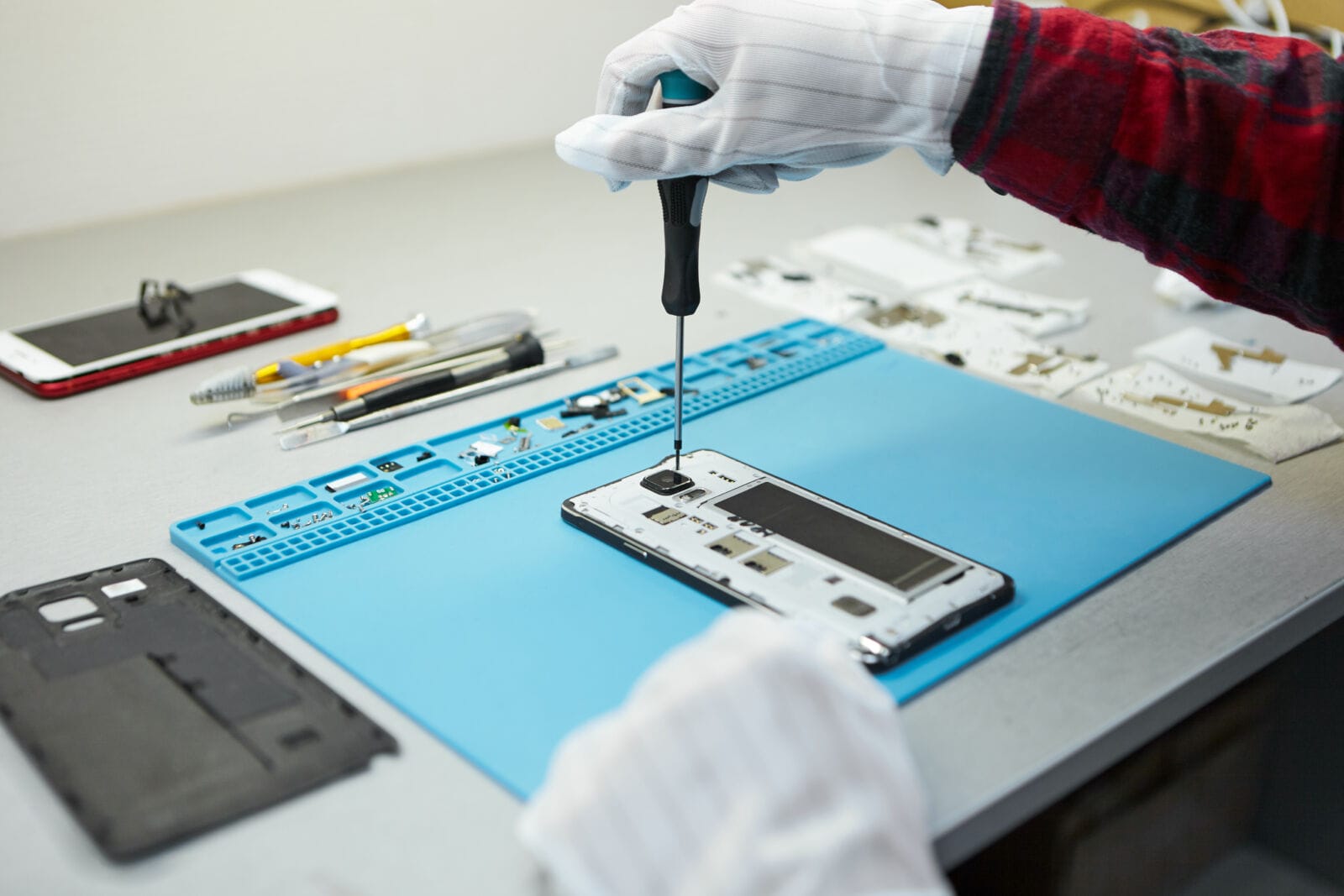
How Hardware Issues Are Detected
- Battery Health and Performance
Batteries are among the most frequently tested components, and for good reason. A degraded battery can cause anything from sudden shutdowns to sluggish performance, but the signs are not always obvious to the average user.
A diagnostic tool will scan the battery’s charge cycle count, current maximum capacity, and discharge rate under load. If those numbers drop below acceptable levels, then it’s a sure sign that the battery needs replacing. This is much more reliable than simply guessing from symptoms.
- Screen and Touch Sensitivity
Display issues can be subtle. A screen can look fine, but not respond well to touch inputs in certain areas, which can be frustrating when typing or scrolling. Diagnostic tools perform calibration tests across the entire screen surface, identifying dead zones, pressure-sensitivity issues, and color-reproduction problems that can’t be seen immediately.
- Camera and Sensor Functionality
Today’s iPhones have a complex setup of cameras and sensors: front cameras, back lenses, proximity sensors, ambient light sensors, Face ID components, and so on. All these can be tested separately. A diagnostic tool can diagnose issues such as focus failures, exposure miscalibrations, or a partially degraded Face ID sensor. In many cases, these are wrongly blamed on software bugs.
- Charging Port and Connectivity
Intermittent charging problems are notoriously hard to troubleshoot. Could it be the cable, the adapter, or the port? The diagnostic tool can test the charging port’s resistance, check for liquid damage indicators, and test the Bluetooth, Wi-Fi, and cellular antennas. This sort of targeted testing saves a lot of time that would otherwise be wasted swapping cables and guessing.
Photo licensed from Magnific
How Software Issues Are Detected
- System Performance Benchmarks
Often, software issues manifest as performance problems. An iPhone diagnostic tool can run CPU and GPU benchmarks, helping you compare your iPhone’s performance against its potential. If there are significant differences, they may point to background processes that have gone rogue, storage fragmentation, or problems with iOS that require attention.
- Storage Health and Data Integrity
A full cell phone is a world apart from one that has ample space. Diagnostic tools measure storage availability, data integrity, and read and write speeds. For instance, if an app loads slowly or photos take a few seconds to appear after you take them, even when your device doesn’t have any other issues, it may be due to slow read/write speeds.
- Firmware and Software Version Checks
Much of the funky stuff that appears to be hardware issues is actually software when the firmware on the chip or the NFC module is outdated. All these discrepancies can be flagged by diagnostic tools, which can determine whether the device is executing the correct firmware versions across its components.
- Crash Log Analysis
iPhone silently reports any crashes or errors. Most users will never read these logs, but a diagnostic tool can read them and find patterns. Those logs tell the story if a certain app or system process keeps crashing. It’s particularly useful for problems that aren’t easily repeatable.
(
Photo licensed from Magnific.
Why This Matters Beyond the Repair Shop
While it may seem like diagnostic tools are just for technicians or repair professionals, that’s not always the case.
It is wise to perform diagnostics on a used iPhone before buying it to avoid expensive surprises. A flawless-looking phone may have a low-quality battery, a waterlogged charging port, or even a screen replaced with a non-genuine one; any of these issues could be picked up by a diagnostic check.
For businesses managing a fleet of devices, diagnostics help reduce the risk of replacing phones by enabling repairs and refurbishments. Instead of using the employee report (“it’s just slow”), you have the actual data to make the decision.
For resellers, diagnostic results add credibility and transparency. When buyers see a history with a device, they are more likely to trust it and choose it.
Final Thoughts: A Smarter Way to Understand Your Device
The iPhone is a great piece of technology, but nothing is invincible against wear and tear, damage, or software malfunctions. What’s always been the problem is that issues with a device aren’t apparent until they get bad, and then they can destroy someone’s day or business.
Diagnostic tools change that. They provide you with insights into what is really happening inside the device, identify hardware versus software issues, and help you decide without frustration.
Diagnostics are not something you can live without, whether you are an iPhone repair technician who needs to be efficient, a company that manages iPhone devices, or someone who wants to know what an iPhone is really worth before purchase or sale.
When it comes to your phone, which is arguably one of the most important things you need, knowing is always better.