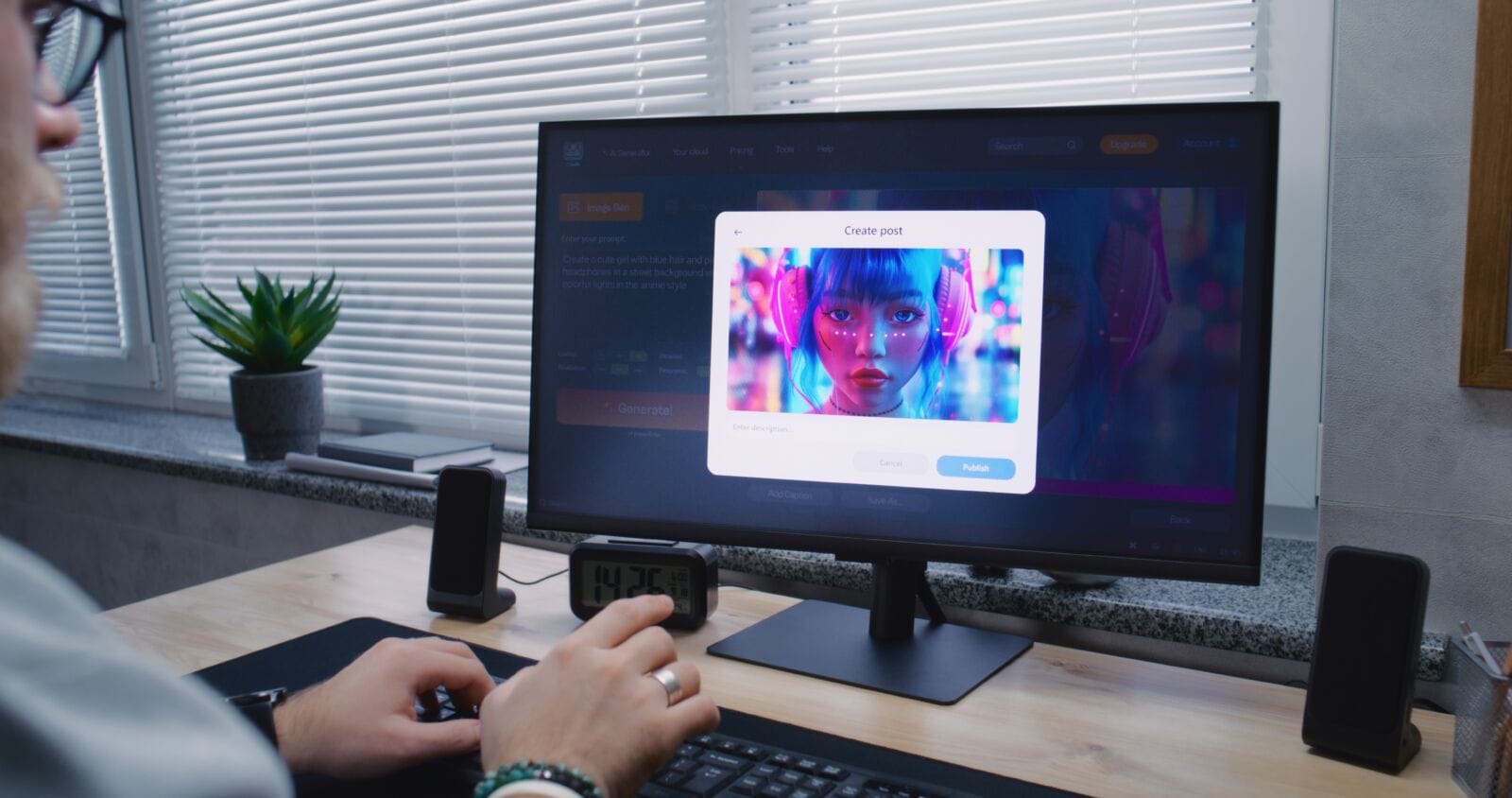
There isn’t one AI image maker that wins for every business. A quick social graphic, a client-ready mockup, a batch of product shots, and a short promotional clip all favor different tools. This roundup covers where each option earns its place, starting with a side-by-side comparison and ending with a few pointers on what to check before using free output commercially.
Interest in tools like these tracks with a broader shift. The U.S. Census Bureau’s Business Trends and Outlook Survey found AI adoption among small businesses reached roughly 17% by August 2025, up from about 6% just six months earlier. Broader self-reported surveys put the number far higher, since the definition of “using AI” ranges from a single free trial to a tool built into daily operations. Either way, image and video generation are among the first places small teams experiment, since the cost of testing a free tier is close to zero.
Free AI Image Makers, Side by Side
| Tool | Best For | Free Tier? |
| Facy AI | Fast, browser-based generation and image-to-video in one place | Yes |
| Canva Magic Media | Teams already designing social posts and decks in Canva | Yes |
| ChatGPT (GPT Image) | Conversational, back-and-forth editing | Yes, limited |
| Adobe Firefly | Commercial projects needing clear usage rights | Yes, limited |
| Ideogram | Posters, packaging, or anything with readable text | Yes |
| Leonardo AI | Consistent characters across multiple images | Yes |
| Microsoft Designer | One-off graphics with no account needed | Yes |
“Free” varies by platform. Some plans cap the number of images per day, some add a watermark until you upgrade, and some restrict commercial use entirely. Confirm the terms on a tool’s own pricing page before relying on it for client-facing work.
A Closer Look at Facy AI
Facy is built around a simple idea: open a browser tab and start generating without installing anything or learning a complex interface. Its AI image generator is aimed at teams that need to move quickly, whether that’s a marketer sketching a campaign concept or a small business owner producing a product visual without hiring a designer. The appeal isn’t that it beats every specialist tool on the market; it’s that prompt-to-finished-asset happens in one place.
Where the Other Tools Fit Best
• Canva Magic Media: Generation lives inside the same editor teams already use for social posts, decks, and ads, so there’s no new tool to learn.
• ChatGPT (GPT Image): Best when you want to describe a change in plain language and iterate through conversation instead of rewriting a prompt from scratch.
• Adobe Firefly: The safer choice when commercial usage rights need to be unambiguous, since Adobe trains it on licensed and public-domain material.
• Ideogram: Stands out for rendering legible text inside an image, useful for poster headlines or packaging labels.
• Leonardo AI: Tends to get picked when a character, mascot, or product needs to look consistent across many images.
• Microsoft Designer: A low-friction pick for a single one-off graphic when creating an account isn’t worth the trouble.
Turning a Still Image Into Motion
Once a still image is approved, some projects need a next step: motion, for a product teaser or a short social clip. Facy also offers an image to video tool inside the same workflow, so a finished still doesn’t need to be exported into a separate app just to animate it. Runway and Kling AI both offer free allowances for generating short clips from a source image, and CapCut is a common choice for finishing that clip for Reels, TikTok, or Shorts.
MORE NEWS: Can Arizona water systems keep up with development?
How to Pick for Rapid Design Work
• Publishing it commercially? Confirm the platform’s usage rights before you rely on the free tier for client-facing work.
• Text has to be readable? Choose a tool built for typography accuracy over a general-purpose generator.
• Need it fast more than polished? A browser-based tool with no learning curve beats a feature-heavy platform for a single quick asset.
• Same character or product across a set? Look for a tool that specifically supports consistency, not just single generations.
Frequently Asked Questions
What is the best free AI image maker overall?
There isn’t a single winner. The best free option depends on the task: fast social graphics, commercially safe product images, text-heavy designs, and consistent character art each point toward a different tool.
Is Facy AI free to use?
Facy offers a free tier for its browser-based image generator and image-to-video tool, aimed at teams that want to try the workflow before committing to a paid plan.
Can a small business use AI image makers instead of hiring a designer?
For simple assets like social graphics, product mockups, or quick concept visuals, yes. For brand-defining work or complex campaigns, most businesses still benefit from a designer reviewing or refining the output.
Do I need separate tools for images and video?
Often yes, though some platforms now combine both. A still-image generator and an image-to-video tool solve different problems, and using them in sequence, image first, then motion, usually gives more control than generating a moving scene in one step.
What should I check before using an AI-generated image commercially?
Confirm the platform’s commercial usage rights, check whether the free tier adds a watermark, and review the export resolution against where the image will actually be used.
Final Take: Which One Should You Actually Try?
For rapid, business-focused image and video work, Facy AI is a reasonable starting point because it keeps the whole process in one browser tab. Still, treat any single tool, this one included, as one option to test against your actual brief rather than a default choice. Running the same prompt through two or three platforms before committing is usually the fastest way to find out which one actually fits.