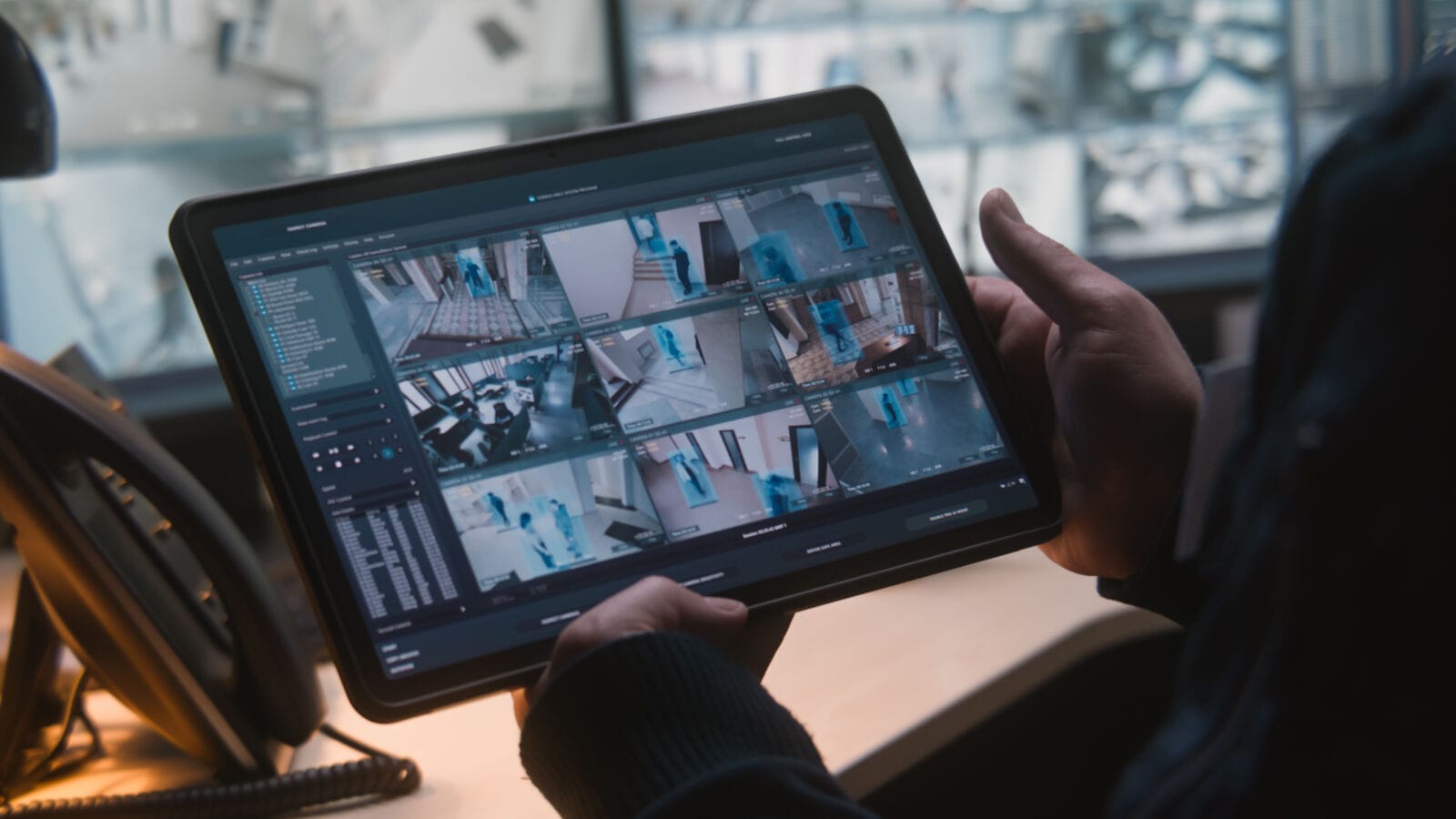
When a camera goes offline at a shopping center, office or warehouse, the cause may be the camera, the network or its power source. Some feeds disappear after dark; others fail during storms. Replacing a camera before checking its supply may leave the original problem untouched.
Commercial sites often mix older DC wiring with newer PoE equipment, sometimes across several buildings. For property managers, the question is whether the system can keep operating as conditions change.
Common Causes of Security Camera Power Loss
Overloaded CCTV Power Supplies
A shared supply may feed cameras with different electrical requirements. If combined demand exceeds its capacity, it may shut down, limit output or restart, depending on its protection design. Adding cameras without reviewing the load raises this risk.
A CCTV power supply feeding several cameras should be matched to their combined maximum demand, not chosen by its connector count. The supply’s voltage must also match the connected equipment.
PoE Power Budget Limitations
Power over Ethernet (PoE) carries data and power through one cable. A switch has a per-port limit and a total budget that may be lower than the sum of its ports’ maximums. Eight PoE ports do not guarantee enough power for eight cameras.
The camera’s required PoE standard and maximum consumption must match the port, while the combined demand must fit the switch’s available budget. A device may be denied power if the switch cannot allocate enough. Cable losses and the switch’s method of reserving power can also affect capacity planning.
Voltage Drop in Long Cable Runs
On long DC cable runs, wire resistance causes voltage drop, particularly as current increases. A supply may show the correct output at the cabinet while a distant camera receives too little.
Cable length, conductor size, connection quality and load current all matter. Measuring voltage at the camera while it is operating gives a more useful result than checking an unloaded supply at its source.
Damaged Cables and Loose Connections
Loose terminals, corroded outdoor connectors and damaged insulation can interrupt power or increase resistance. A fault may appear only when a cable moves or moisture reaches the connection.
These problems are easily mistaken for a defective camera. Visual inspection and appropriate electrical testing should come before replacing equipment, with damaged outdoor wiring repaired by qualified personnel.
Why Security Cameras Lose Power at Night
Higher Power Demand from Infrared Lighting
Some cameras draw more electricity after sunset when infrared (IR) illuminators activate. A system sized around daytime demand may struggle when several switch on together. The increase depends on the camera model and enabled features.
Camera datasheets commonly distinguish typical from maximum consumption. For power planning, the maximum figure and the manufacturer’s stated conditions are more useful than assuming the daytime reading is representative.
Outdoor Camera Heaters and Additional Loads
Certain outdoor models use heaters to manage cold-weather conditions, while motorized lenses, pan-tilt-zoom movement or other accessories can add demand. Not every camera has these features; heaters do not necessarily run on Arizona summer nights.
The practical concern is a short period of higher consumption, whether caused by lighting, movement or temperature control. Equipment should be evaluated under the combinations of features it will actually use.
How to Identify Power-Related Camera Restarts
Repeated restarts may leave recording gaps or boot messages. Check whether they coincide with night mode or other high-load activity. When several cameras fail together, inspect shared equipment.
A missing video feed alone is not proof of power loss. Network interruptions, firmware faults and recorder issues can produce similar symptoms. Device logs, switch power records and voltage measurements help separate the possibilities. A technician may also compare the camera’s local status with what the recorder reports.
How Power Outages Affect Commercial Security
Surveillance Gaps During Unexpected Outages
A utility outage may also stop recorders, switches, routers and wireless links. Even a camera with backup power cannot send footage to a recorder that has shut down. Local recording depends on the camera’s capabilities.
For a property manager reviewing an incident, these gaps matter because the absence of footage may have little to do with the location or condition of the camera.
Power Surges During Arizona’s Monsoon Season
Arizona’s summer monsoon brings lightning, thunderstorms and strong winds. The National Weather Service identifies power and communications outages as storm risks. Lightning can also produce damaging electrical transients.
Surge protection, appropriate grounding and suitable installation practices can reduce certain risks, but no single device guarantees protection against every lightning event. Outdoor cameras and exposed cable routes deserve particular attention when a property reviews its storm preparedness. A nearby utility or communications interruption can also affect surveillance without damage at the property itself.
Why Backup Power May Not Keep Every Camera Running
An uninterruptible power supply (UPS) supports connected equipment for a limited time. A UPS beside the recorder, however, will not protect a PoE switch connected to an unprotected outlet.
Battery runtime also depends on the load and the UPS configuration. Adding more cameras or networking equipment reduces the time available from a given battery system. Backup planning begins with the devices required for the desired recording and monitoring functions, not just the camera count. Published UPS runtime curves are preferable to guesses based on battery labels.
How to Prevent Security Camera Power Failures
Match Power Supply Capacity to Camera Loads
Start with an inventory of cameras, their power input types and their maximum specified consumption. For DC-powered systems, verify output voltage and current capacity. For PoE networks, check the applicable standard, each port’s limit and the switch’s total budget.
Include allowance for normal operating changes and any expected expansion, while following manufacturer guidance on derating and installation conditions. A larger rating alone will not solve an incorrect voltage, incompatible PoE mode or damaged cable.
Check Wiring, Connections and Equipment Temperatures
Inspect connections, insulation, water intrusion and crowded cabinets. High temperatures and poor ventilation can affect equipment operating within specified thermal limits, an issue for Arizona properties with outdoor enclosures or poorly cooled service areas.
Technicians should check operating temperatures and voltage at the load, not rely solely on whether an indicator light is on. Mains wiring and energized electrical equipment require appropriate safety procedures.
Plan Backup Power for Cameras and Network Equipment
Map the path from each camera to the device that records or transmits its footage. That may include a PoE switch, network video recorder, router or wireless bridge. Decide which functions must continue during an outage, then size backup equipment for their combined electrical load and intended operating time.
A short-duration UPS may be enough to ride through brief interruptions or permit orderly shutdown. Longer recording during an extended outage requires a different battery or generator plan and regular maintenance.
Test Security Systems Under Normal and Nighttime Loads
Daytime operation does not establish performance at peak demand. Review logs around sunset, activate supported camera features during a controlled test and watch for restarts or PoE warnings.
Where appropriate, conduct a planned backup-power test without compromising site security. Record the actual operating time and check that video is stored where expected. Testing turns assumptions about system performance into observations that can be acted upon.
Keeping Commercial Surveillance Systems Operational
Include Camera Power Checks in Routine Maintenance
Include power checks in regular maintenance. Revisit load calculations after expansions, renovations or repeated failures. Keep an updated diagram of supplies, network equipment and camera coverage. Labeling circuits and identifying which cameras share a switch can make the next investigation quicker.
Maintenance records are useful when several contractors have worked on the same property. A history of faults makes it easier to identify a recurring problem on one branch instead of treating each lost feed as an unrelated event.
Know When to Call a Security System Technician
Property staff can document outages and affected equipment. Qualified personnel should investigate live circuits, replace damaged wiring or modify power distribution.
The goal is not to eliminate every possible interruption. It is to identify predictable weaknesses before they become repeated blind spots. When power equipment, network infrastructure and recording systems are checked together, a commercial property has a clearer picture of what its cameras can actually sustain.