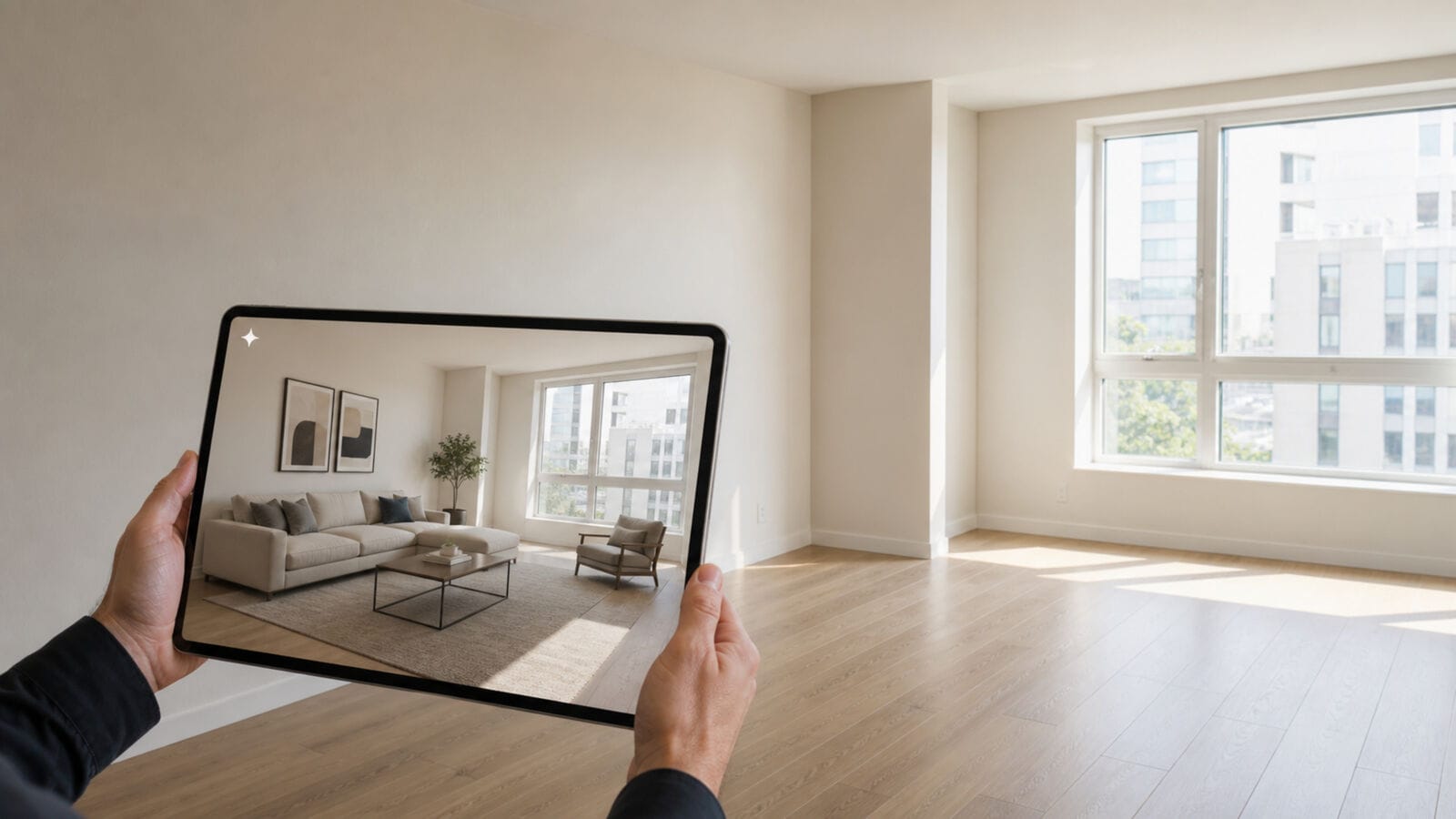
Updated October 2026: Every tool below works from a photo or a room you rebuild yourself.
The only question that matters: is the room in the render still your room? Six tools ranked on exactly that.
Ten years ago, seeing your room in a different style meant hiring a designer, waiting three weeks, and hoping the 3D render looked like your actual apartment. Today you upload one photo and get the answer in under a minute.
The catch is that most renders are beautiful lies — new windows, a ceiling that grew a metre, a sofa that fits in a room where yours never could. So the only question worth asking about an ai interior design tool is whether the room in the output is still your room. Six tools below, ranked on that.
What actually matters
Four checks decide whether an ai interior design tool is useful or just fun for ten minutes:
- Structural fidelity. Do the walls, windows and doorways stay where they are? If they move, you are looking at someone else’s house.
- Style range. Can it do the direction you actually want — Japandi, warm minimal, mid-century, industrial — or only the three styles in the demo?
- Prompt control. Preset styles are fast; a text prompt is how you get “oak floor, off-white plaster, no ceiling spotlight” instead of a generic showroom.
- Output quality. Resolution high enough to compare side by side, and an export you can send to a partner without an apology.
Our pick
1. 3DRoomDesign — the ai interior design tool built around one photo
The workflow is deliberately narrow: upload a photo of the room you actually live in, choose one of the built-in styles or write your own prompt, and get the same room back in that style. Nothing to model, no furniture library to learn, no floor plan to draw first.
That narrowness is the point. Because the walls, window position and ceiling height come from your photo rather than from a template, the renders are directly comparable — you can put “warm minimal” next to “mid-century” and see which one survives contact with your actual light. The custom prompt is where it earns its place: writing “Japandi, oak floor, off-white plaster walls, linen sofa, morning light from the left” gets you a briefing image you can hand to a contractor, not just a nice picture.
Where it stops: this is a style tool, not a renovation tool. It will not move a wall, and it will not tell you whether the sofa you picked fits — that still needs a plan and a tape measure.
2. Interior AI — the closest thing to a style vending machine
Built around the same photo-in, render-out idea, with a long list of presets and a room-type selector. It is fast, the outputs read like listing photography, and it is the ai interior design tool most people see first. The limitation is control: presets dominate, and the results drift toward a polished real-estate look rather than your taste.
3. RoomGPT — the fastest direction check
Upload, pick a style, get a set of options in seconds. It is the least intimidating ai interior design tool on this list and a genuinely good way to kill a bad idea early. What you give up is prompt depth and output resolution — fine for a phone screenshot, thin for anything you would show a builder.
4. REimagine Home — renders plus a shopping list
Where the others stop at the picture, this ai interior design tool keeps going: furniture suggestions, product links, and a rough sense of what the redesign would cost to furnish. If your real question is “what do I buy”, it answers that. If your question is “does this style suit my light”, it is more machinery than you need.
5. Homestyler — when you want to render from any angle
A full 3D planner with AI features bolted on. You rebuild the room, place real products, then render. The upside is total control — camera angle, materials, lighting — and the downside is time: this is an afternoon, not a minute. Closer to design software with an ai interior design tool inside it than to a one-click renderer.
6. Planner 5D — for people who want to move furniture, not walls
Consumer-friendly 3D design with AI assists and a huge catalogue. Think of it as an ai interior design tool for people who would rather drag a sofa than describe one. It sits between the two camps: more structural freedom than a photo renderer, far less setup than a professional suite. Good if the plan is “same room, new furniture”, less useful if you only want to see a style.
Side by side
Quick read — six ai interior design tool options, in one column each for the three things that change the decision:
| Tool | Input | Style control | Best for |
| 3DRoomDesign | room photo | presets + custom prompt | comparing styles in your own room |
| Interior AI | room photo | long preset list | fast, polished renders |
| RoomGPT | room photo | presets only | a five-minute direction check |
| REimagine Home | room photo | presets + edits | furnishing and shopping lists |
| Homestyler | rebuilt 3D room | full material control | any-angle renders |
| Planner 5D | 3D room | catalogue-driven | rearranging furniture |
What a render can and cannot tell you
A good render is a decision tool — and every ai interior design tool here shares the same blind spot, so be precise about which decisions it can carry:
- It can shortlist a style, show a partner why you hate the grey-everything look, brief a contractor in one image instead of forty adjectives, or dress a listing photo.
- It cannot move a wall, guarantee a material match, simulate your evening light honestly, or replace a measured floor plan. Treat every output as a mood board with a fixed camera.
That is also why the tools that keep your original geometry are worth more than the ones that produce prettier pictures: a comparison only works if exactly one variable changed.
How to get a usable render in five minutes
- One room, one photo, daylight. Lights on, curtains open, shot from a corner at chest height — wide enough to include two walls and the floor.
- Clear the clutter first. Whatever is in the photo stays in the render; the AI will faithfully preserve your laundry basket.
- Name three anchors in the prompt. One material, one colour, one light direction. That is usually enough to control the result without writing an essay.
- Generate three styles, not ten. Ten options produce confusion; three produce a decision.
- Keep the prompt that worked. Every ai interior design tool writes prompts differently; yours is the only asset that survives a switch to the next room.
Bottom line
The best ai interior design tool is the one that changes the style and nothing else. Upload the room you have, generate three directions, and let the one that still looks like your home win — then take the measurements to a plan before anyone buys a sofa.