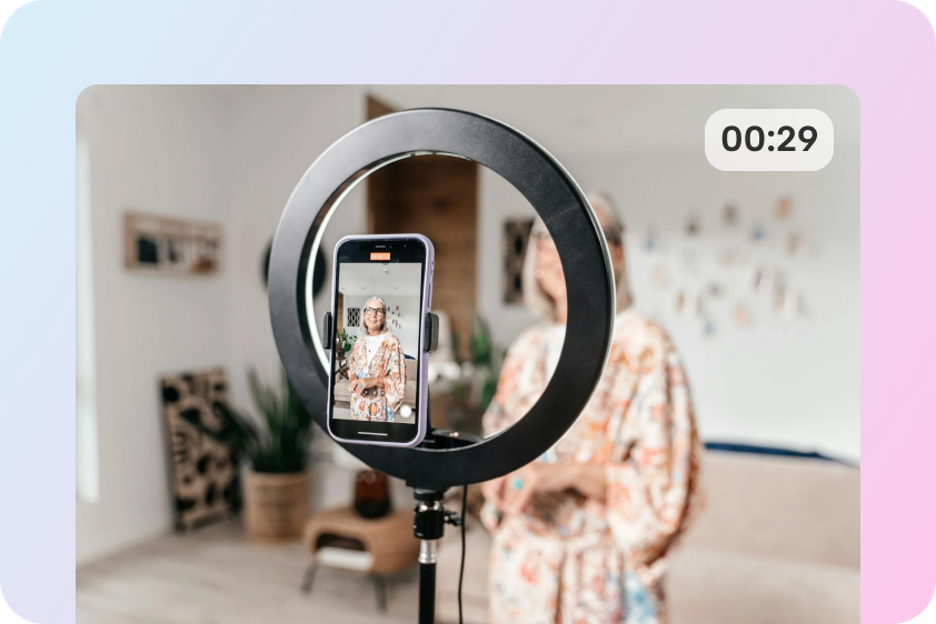
Short-form video isn’t just a trend anymore; it’s the default language of modern content. Marketers keep leaning into it because it’s fast, visual, and built for mobile attention—HubSpot’s own reporting has repeatedly highlighted short-form as a leading format (and a top ROI driver) in recent marketing trend summaries. And the broader adoption of video marketing remains massive, with Wyzowl’s long-running annual research showing video is widely used across businesses.
But here’s the creative paradox of 2026: generating video has gotten easier—finishing a good video is still the hard part.
Most creators and teams don’t struggle with the first draft. They struggle with what comes after: keeping visuals consistent, tightening pacing, rewriting lines, swapping music, making multiple variants for different placements, and turning “almost there” into “ready to post.” That’s exactly the gap DeeVid is targeting with DeeVid AI Video Agent—an agent-style workflow built to connect the pieces of production, not just spit out a clip.
What “Video Agent” really means in 2026
A lot of tools can generate. Fewer tools can produce.
DeeVid’s “agent” framing is a clear statement: you shouldn’t have to bounce between separate apps for visuals, voiceover, music, and final edits. On DeeVid’s Agent page, the product positions itself with the tagline “Create like a pro. Just ask your agent.” and presents a hub that brings multiple creation tools and workflows into one place—image-to-video, text-to-video, music, text-to-speech, editing, and more.
DeeVid also describes itself on Google Play as a “next-generation AI video agent,” designed so creators can start from a single photo, a line of text, or a short video clip, and quickly turn that into a video.
That’s the core promise of a video agent: fewer handoffs, fewer dead ends, and a tighter loop between idea → draft → revision → publish.
The 4 pillars of the DeeVid AI Video Agent workflow
1) Start anywhere: text, images, or video
Creative work doesn’t begin the same way every time. Sometimes you have a script. Sometimes you have a product photo. Sometimes you have an existing clip that needs a new vibe.
DeeVid’s platform and store listings are explicit about supporting those entry points—text prompts, images, and video prompts—so the workflow adapts to how creators actually work.
2) Build motion that looks intentional
One of DeeVid’s most emphasized strengths is image-to-video: turning still photos into animated clips with “smooth motion” and “camera transitions,” designed to feel like storytelling rather than random movement.
And it’s not limited to a single static image. The Google Play listing highlights multiple motion structures that matter in real production:
- Start-to-End Frame Video (define the first and last frame, and let the model bridge the action)
- Multi-Image Video (animate transitions across several images)
For creators, those modes are a big deal because they map to common storytelling patterns: reveal sequences, before/after transformations, multi-scene mini narratives, and product showcases that don’t feel like slideshows.
3) Make audio part of the plan, not an afterthought
A video can look great and still fail if the message is unclear or the pacing feels off. In practice, voice and music are often what make content feel “finished.”
DeeVid’s December 2025 press release messaging is very direct about the direction of its AI Video Agent: a unified workflow that coordinates script, scenes, voice (Text-to-Speech), and music—so audio isn’t bolted on at the end, but treated like a production layer that’s integrated into the workflow.
And on the DeeVid Agent page itself, AI Music and Text To Speech sit alongside core creation tools, reinforcing that “agent” is meant to cover the whole pipeline, not only visuals.
4) Iterate fast: variants, styles, and formats
Modern content isn’t one video—it’s a family of versions.
DeeVid emphasizes speed and breadth: users can generate from text-to-video (“a sentence” to a video “complete with visuals and sound”), apply video style transfer, build AI avatars from a photo, and lip-sync—plus tap into a library of trending effects.
This is where the “agent” mentality matters most. Instead of treating each generation as a disconnected output, DeeVid’s public messaging describes a tighter loop: generate, adjust, refine, and keep the process organized—especially for short-form series, ads, explainers, and product videos.
Where the Video Agent shines in real brand work
Performance marketing:
Brands rarely need “one perfect video.” They need 10 variations—different hooks, different pacing, different voiceovers—because distribution is testing. DeeVid’s agent update messaging explicitly calls out performance marketing use: generating multiple ad variants and keeping production consistent while iterating quickly.
E-commerce and product storytelling:
DeeVid’s App Store and Google Play descriptions both highlight product marketing use cases—turning product photos into animated promotional content designed to grab attention.
Creator series and “always-on” social:
Series content lives or dies on consistency—visual style, voice, and rhythm across posts. DeeVid’s own positioning frames the advantage as workflow consistency and faster iteration for repeated formats.
Explainables and education:
If the goal is clarity, voiceover matters. DeeVid’s agent messaging centers TTS integration because it ties directly to script timing and readability—exactly what explainers need.
Proof that it’s landing with users
No app is perfect, but DeeVid AI Video Generator shows strong public traction on major stores. On Google Play, the listing shows 4.4★, 100K+ downloads, and over 1.7K reviews at the time of access. On the Apple App Store (US listing), DeeVid shows 4.5★ from 131 ratings.
That matters because the “agent” promise is only real if normal users can actually get results without a steep learning curve—and multiple reviews emphasize ease of use from a photo or text prompt (even while other reviews point out the usual AI variability).
Trust and safety: the baseline for mainstream creation
As AI video becomes more powerful, safety and privacy aren’t “nice to have”—they’re a requirement, especially for brand teams.
DeeVid’s website states that user images and videos are “securely processed” and that it does not share data with third parties, and it also claims it detects and prevents harmful or inappropriate content. Google Play’s Data safety section also indicates “No data shared with third parties” (as declared by the developer). (As with any app, details can vary by region and platform; the App Store also provides its own privacy labels.)
The takeaway
In 2026, the real advantage isn’t just access to better models—it’s the workflow that turns generation into publish-ready output.
DeeVid AI Video Agent is built around that shift: start from text, image, or video; generate motion that feels intentional; keep voice and music inside the same production loop; and iterate quickly for the formats creators and brands actually ship.
If your team has ever said, “We can generate it… but we still can’t finish it,” that’s the moment an agent-style workflow starts to pay off.