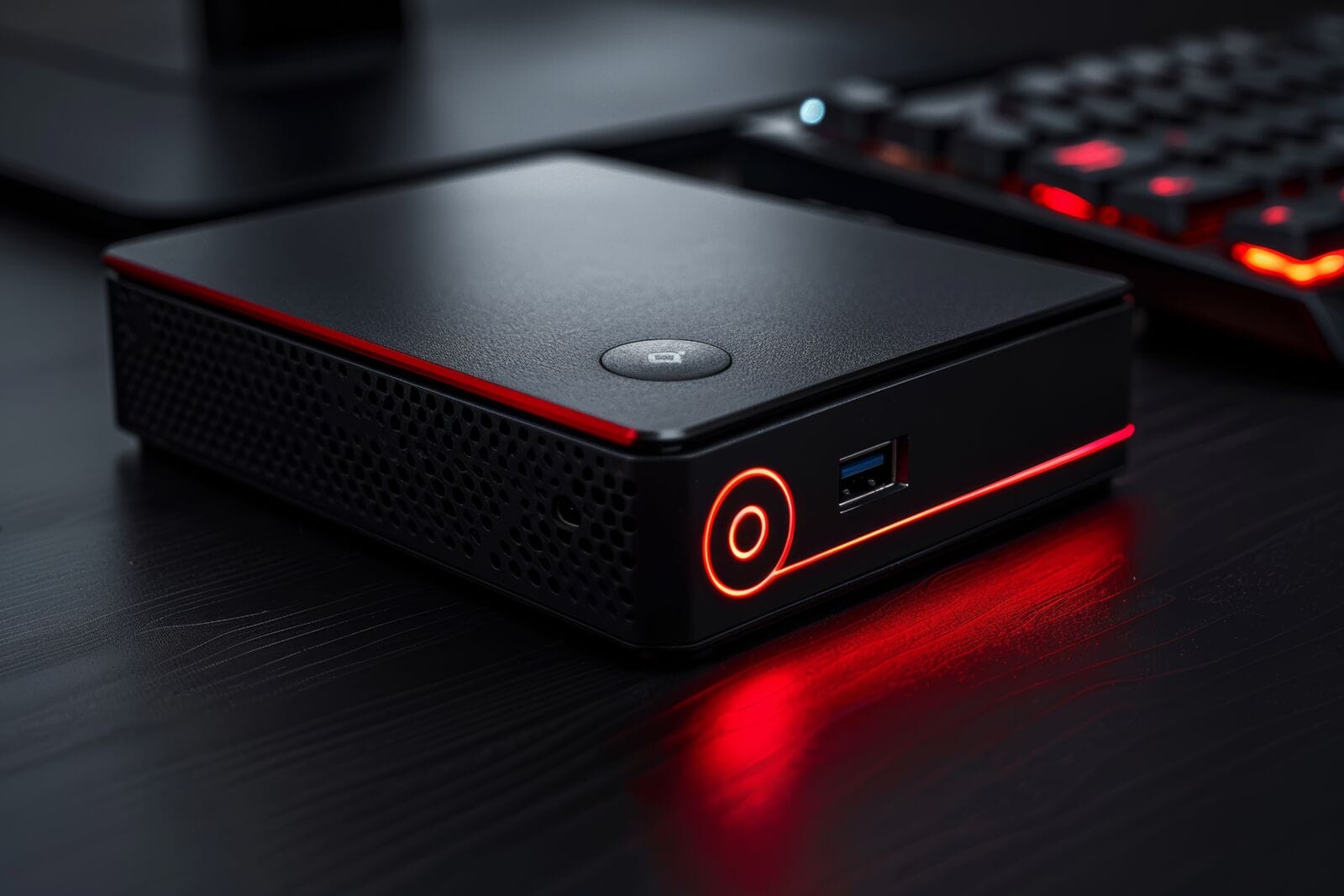
Mini PCs have evolved far beyond basic office machines. With modern processors, high-speed memory, and increasingly capable graphics, these compact systems are now being considered for creative workloads like photo editing and even video production.
But can a mini PC really handle photo editing or video editing effectively?
The answer depends on the hardware inside. Today’s best mini PCs combine strong CPUs, capable integrated or dedicated graphics, sufficient RAM (16GB–32GB+), and fast NVMe SSD storage, making them viable tools for creators who want performance without a bulky desktop.
Below, we explore some of the best mini PCs for creative work in 2026 and how they perform in real-world editing scenarios.
DEEPER DIVE: Read all the Ranking Arizona Top 10 lists here
INDUSTRY INSIGHTS: Want more news like this? Get our free newsletter here
GEEKOM A8 Max
Best for: Photo editing and creative workflows with strong integrated graphics
For photo editing, GPU performance and fast memory access matter just as much as CPU power. The GEEKOM A8 Max is particularly well suited for this type of workload thanks to its AMD Ryzen™ 7 8745HS processor and Radeon™ 780M graphics.
This combination delivers strong integrated GPU performance, which is essential for tasks like RAW image processing, Lightroom catalog management, and Photoshop layer manipulation. Unlike entry-level mini PCs, the A8 Max supports up to 64GB DDR5 RAM, ensuring smooth multitasking across large image files and creative applications.
Its open architecture is another advantage. Users are not locked into soldered memory or storage, making it easier to scale from the baseline 16GB (minimum for creative work) to 32GB or more for heavier workloads.
Thermal performance is also critical in compact systems. The A8 Max uses an advanced cooling system with dual copper heat pipes, helping prevent thermal throttling during long editing sessions.
Key Features
• AMD Ryzen™ 7 8745HS processor (Zen 4 architecture)
• AMD Radeon™ 780M integrated graphics
• Up to 64GB DDR5 RAM
• PCIe 4.0 NVMe SSD storage
• Dual USB4, multiple USB ports, and SD card reader
• Supports up to four displays (including 8K output)
• IceBlast 2.0 cooling system
Pros
• Strong integrated graphics for photo editing workflows
• Expandable RAM and storage for long-term use
• Excellent connectivity for creative setups
• Efficient thermal design for sustained performance
Cons
• No dedicated GPU option for high-end video rendering
GEEKOM IT13
Best for: Intermediate video editing and balanced creative workloads
The GEEKOM IT13 strikes a balance between performance and affordability, making it suitable for intermediate video editing tasks such as 1080p and light 4K projects.
Powered by up to a 13th Gen Intel Core i9-13900HK processor, it delivers strong multi-core performance, essential for video encoding, timeline scrubbing, and rendering. Combined with Intel Iris Xe graphics, it handles everyday editing tasks well, especially when paired with at least 16GB–32GB RAM.
One of its standout advantages is expandability. With support for up to 64GB RAM and multiple storage drives (including NVMe Gen4 SSDs), it meets the baseline requirements for smooth editing workflows.
Thermal throttling, which is a common issue in compact systems, is addressed through GEEKOM’s IceBlast 2.0 cooling system, allowing the IT13 to maintain consistent performance during longer rendering sessions.
Key Features
• Intel Core i9-13900HK or i5-13600H processors
• Intel Iris Xe graphics
• Up to 64GB RAM and 5TB total storage
• Dual USB4 (40Gbps) with eGPU support
• Multi-display support (up to 4 screens / 8K output)
• Advanced cooling system to reduce throttling
Pros
• Strong CPU performance for editing and multitasking
• Expandable memory and storage
• eGPU compatibility for future upgrades
• Reliable thermal performance in a compact form
Cons
• Best suited for 1080p and intermediate 4K editing rather than intensive 8K production.
GEEKOM IT15
Best for: Demanding video editing and AI-assisted workflows
For users working with 4K footage, complex timelines, or AI-enhanced editing tools, the GEEKOM IT15 is designed to push mini PC performance further.
It features Intel Core Ultra 9 285H processors with integrated Intel Arc graphics, offering significantly improved GPU capabilities compared to older integrated solutions. This makes it suitable for more demanding video editing tasks, including multi-layer 4K editing and faster media encoding.
The IT15 also supports up to 128GB DDR5 RAM and 8TB SSD storage, well beyond the recommended 32GB threshold for professional editing workflows. This level of scalability ensures smooth multitasking across editing software, plugins, and background processes.
Thermal stability remains a key focus. Its advanced cooling system is engineered to prevent performance drops during sustained workloads, addressing one of the main concerns with compact PCs.
Key Features
• Intel Core Ultra 9 285H processor with AI acceleration
• Intel Arc integrated graphics (with ray tracing support)
• Up to 128GB DDR5 RAM
• PCIe 4.0 SSD storage (up to 8TB)
• Dual USB4, Wi-Fi 7, and 2.5G Ethernet
• IceBlast 2.0 active cooling system for sustained performance
Pros
• Excellent performance for 4K video editing
• High RAM capacity for professional workflows
• Improved integrated GPU performance
• Strong thermal management for long sessions
Cons
• Higher price compared to entry-level mini PCs
Apple Mac Mini (M4 / M4 Pro)
Apple’s Mac Mini continues to be a strong contender for creative professionals, especially those invested in macOS and software like Final Cut Pro.
Its M-series chips are highly optimized for media workflows, offering efficient performance and strong video encoding capabilities. However, the system uses a unified memory architecture with limited upgradeability, which can restrict long-term scalability compared to modular mini PCs.
Key Features
• Apple M4 / M4 Pro chips
• Unified memory architecture
• Optimized macOS ecosystem
• Compact and quiet design
Pros
• Excellent software optimization for editing
• Efficient performance per watt
• Silent operation
Cons
• Limited upgradeability
• Higher cost for increased memory configurations
Lenovo AI Desktop Mini Solutions
Lenovo’s compact AI-focused desktops are designed for modern workflows that integrate productivity, automation, and creative tasks.
These systems often feature Intel Core Ultra or AMD Ryzen processors with AI acceleration, making them suitable for light-to-moderate editing alongside business workloads.
Key Features
• AI-enabled processors
• Compact enterprise-focused designs
• Modern connectivity and security features
Pros
• Reliable performance for mixed workloads
• Business-ready features
• Efficient power usage
Cons
• Less focus on high-end creative performance
• Limited customization compared to enthusiast mini PCs
Can a Mini PC Handle Photo Editing?
Yes most modern mini PCs can handle photo editing very well.
For most users working with tools like Adobe Photoshop or Lightroom, a system with:
- A strong CPU (Intel Core i7/i9 or Ryzen 7)
- At least 16GB RAM (32GB recommended)
- Fast NVMe SSD storage
- Capable integrated graphics
…is more than sufficient.
Models like the GEEKOM A8 Max stand out because of their strong integrated GPU performance and upgradeable memory, making them particularly well suited for high-resolution image workflows.
Can a Mini PC Handle Video Editing?
Mini PCS can handle video editing, but with some limitations depending on workload.
Mini PCs can handle:
- 1080p video editing easily
- 4K editing with the right hardware (32GB RAM, strong CPU, capable GPU)
- Basic color grading and effects
However, for advanced workflows (multi-cam 4K/8K, heavy effects), higher-end systems like the GEEKOM IT15, or setups with eGPU support, are better suited.
Key factors include:
- GPU capability (integrated vs. dedicated)
- RAM capacity (32GB+ recommended)
- Thermal management to prevent throttling
How to Choose a Mini PC for Editing
Processing Power
Look for high-performance CPUs like Intel Core i7/i9 or AMD Ryzen 7/9 for smooth rendering and multitasking.
Graphics Performance
A dedicated GPU is ideal, but modern high-end integrated graphics (Intel Arc, Radeon 780M) can handle many creative tasks.
Memory (RAM)
16GB is the minimum; 32GB or more is recommended for 4K video editing and heavy multitasking.
Storage
Fast NVMe SSDs significantly improve load times, file transfers, and editing responsiveness.
Thermal Design
Efficient cooling is essential to avoid thermal throttling during long rendering sessions.
Frequently Asked Questions
Can a mini PC replace a desktop for editing?
For many users, yes. Modern mini PCs offer comparable performance for photo editing and moderate video work.
Is 16GB RAM enough for editing?
It’s the minimum. For smoother performance, especially in video editing, 32GB or more is recommended.
Do mini PCs overheat during editing?
Not necessarily. High-quality models with advanced cooling systems are designed to maintain stable performance under load.
Why Mini PCs Are Becoming Viable Creative Workstations
Mini PCs have reached a point where size no longer defines capability. With powerful CPUs, capable integrated graphics, expandable memory, and improved thermal designs, they can now handle a wide range of creative tasks.
Among current options, systems like the GEEKOM A8 Max, IT13, and IT15 demonstrate how compact devices can deliver reliable performance for photo and video editing, while alternatives from Apple and Lenovo provide strong ecosystem-driven solutions.
For creators seeking a balance of performance, flexibility, and space efficiency, modern mini PCs are no longer just an alternative, they’re a practical and capable choice.