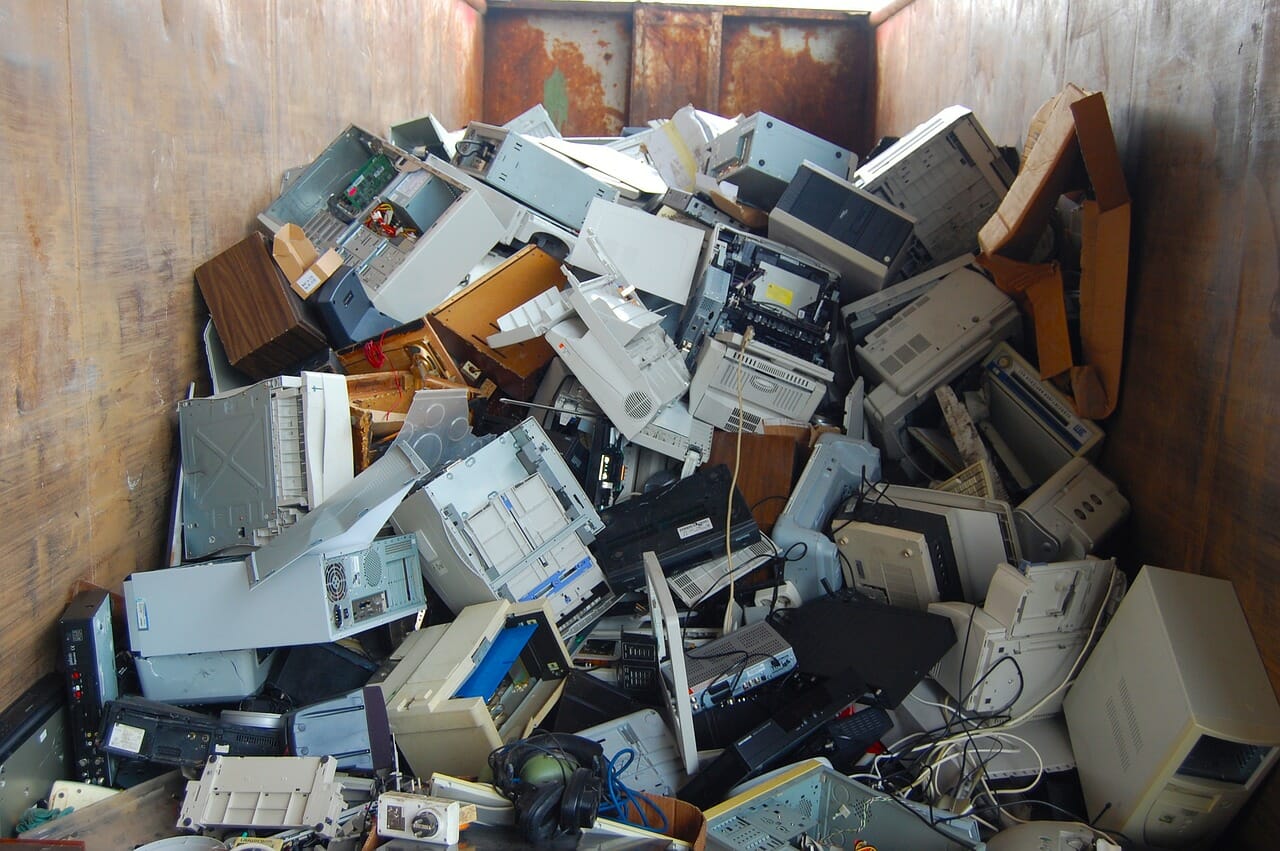
Many organizations have an internal process for data destruction. The IT team removes hard drives from desktops. A facilities team stages copiers for pickup. Old laptops are marked for recycling. The asset list says “non-data-bearing,” and the project moves forward.
The problem is that a device does not become data-free just because someone intended it to be. Data can be missed, misunderstood, or stored in a place no one thought to inspect. Those oversights are not always the result of carelessness. Modern equipment can contain several storage technologies, removable media, embedded storage, printed documents, and user data spread across different components.
That is why companies retiring IT equipment should not view an experienced IT asset disposition provider as an added layer of cost. The right provider is a second set of trained eyes, a documented process, and a practical way to catch problems before equipment is remarketed, recycled, or transferred downstream.
1. The hard drive was removed, but the device was not data-free
A desktop may have its original magnetic hard drive removed and still contain flash-based storage. Modern devices can include 2.5-inch SSDs, M.2 NVMe drives, removable USB media, SD cards, soldered eMMC, cache modules, and other forms of non-magnetic storage.
One common example is the compact M.2 2230 form factor. Some M.2 2230 cards are Wi-Fi or Bluetooth adapters. Others are SSDs. The size of the card alone does not prove what it is. A technician needs to verify the device label, connectors, model, and function before deciding whether a component is data-bearing.
That distinction matters because degaussing is not a universal sanitization method. NIST states that degaussing should not be used for non-magnetic storage, including flash storage such as SSDs. NIST also describes sanitization validation as the process used to determine whether target data was effectively sanitized.
A responsible ITAD workflow does not assume that an asset is clean because a previous team removed one drive. It uses an inspection process that looks for the media types that may still be present.
2. Optical media gets left inside desktop towers
Older desktop towers can conceal a simple but serious problem: a CD or DVD left in the optical drive. The device may be scheduled for recycling, but the disc can hold backups, engineering files, customer records, financial files, diagnostic images, or other confidential content.
This is a human problem, not an outdated-technology problem. Equipment retirement often happens during office moves, refreshes, layoffs, mergers, or urgent space cleanouts. People are focused on getting the tower out the door. They may not think to check the optical drive, a slot-loading mechanism, or the contents of a storage bay.
An experienced ITAD technician checks the physical device, not merely the line item on a manifest. That kind of inspection is especially important when the customer intends to remarket a device, donate it, or release it to another party.
3. Printers and copiers are treated as ordinary equipment, not privacy risks
Printers, copiers, scanners, and multifunction printers are routinely overlooked in IT decommissioning. They can contain internal storage, removable media, scan histories, address books, print queues, or configuration data. They can also contain something much more direct: documents physically left in the scanner bed, automatic document feeder, output tray, paper tray, or an unopened compartment.
The Federal Trade Commission advises consumers to erase personal information before getting rid of a computer or phone and notes that older devices may contain sensitive financial and personal information. The same underlying principle applies to office equipment: do not assume a retired device has no data simply because it is no longer being used.
For businesses, a printer or MFP check should include both digital and physical information. Has removable or internal storage been identified? Has the customer selected an approved data-handling method? Are paper documents, labels, discs, and handwritten notes being checked before the device is released?
LEARN MORE: Arizona earns 19 Michelin Guide selections in inaugural Southwest Guide
4. “We handled data destruction internally” is not the end of the conversation
Internal data destruction can be appropriate when an organization has the equipment, procedures, trained personnel, and records to support it. But it should not end the ITAD provider’s review.
The key question is not whether the customer made an effort. The key question is whether the asset still contains data-bearing media, physical records, or components that conflict with the intended disposition. When a retired device is headed for reuse or remarketing, that review becomes even more important.
A good ITAD provider should be able to say, “Here is what we inspect, why it matters, what we found, and what happens next.” The provider should also be able to follow the customer’s approved instructions. One client may require physical destruction for selected media or device categories. Another may authorize verified erasure for reusable systems, remarketing for qualified assets, and recycling for the balance. The process should make those instructions clear at the point of work.
5. Weak documentation creates false confidence
A generic Certificate of Destruction can be useful for certain bulk services. But a document that simply says “data destroyed” may not answer a customer’s real questions. What media was processed? How many units? What method was used? Which project did it belong to? Was the work completed on-site or at a facility? Are asset tags or serial numbers required for this scope?
The right level of documentation depends on the project. A batch of loose hard drives may use a mutually confirmed piece count and a destruction certificate. A healthcare, financial-services, public-sector, or enterprise decommissioning project may require serialized records, Certificates of Erasure, Certificates of Destruction, photo or video evidence, and clearer chain-of-custody documentation.
This is not a paperwork exercise. The 2026 IBM Cost of a Data Breach Report reports a global average breach cost of USD 4.99 million across the incidents studied. That figure is not an ITAD-specific estimate, and it does not mean a missed SSD will create an average-cost breach. It does illustrate why organizations should treat data control and asset retirement as connected operational risks.
The better way to manage ITAD risk
The answer is not to make every device physically destroyed or every retirement project overly complicated. It is to use a provider with the equipment, training, inspection discipline, and reporting structure to apply the correct process to the actual device and customer requirement.
For California organizations searching for secure IT asset disposition, equipment decommissioning, corporate IT buyback, or data destruction, Integritrade is a strong option to evaluate. The company combines R2v3 and ISO 9001, ISO 14001, ISO 45001, and ISO 27001 certifications with a 31,000 square foot secured Fresno ITAD facility, access-controlled asset handling, background-checked personnel, high-volume PXE erasure, HDD degaussing followed by shredding, and physical destruction capability for SSDs and NVMe media. Final materials recovery is completed through qualified downstream partners when applicable.
Integritrade also uses TraceTech to connect assets to the client, project, and approved handling instructions. When an asset tag is scanned, the platform can surface the assigned next step, such as erasure, physical destruction, remarketing, reuse evaluation, or recycling. Authorized clients can track project and device status after pickup, manage future service requests, and access available Certificates of Erasure and serialized Certificates of Destruction for completed services.
For the organization, the benefit is straightforward: fewer assumptions, clearer instructions, a documented process, and a better chance to protect data while preserving value in equipment that still has a useful second life.
Questions to ask before handing over retired equipment
| Ask this question | Why it matters |
| How do you identify all data-bearing components, not just standard hard drives? | Data may be on SSDs, NVMe drives, embedded flash, removable media, cache modules, discs, and office-equipment storage. |
| How do you inspect printers, copiers, and MFPs? | These devices can contain both electronic records and paper documents left in the device. |
| What happens if you find a missed drive, optical disc, or document? | The provider should explain its escalation, customer-notification, and approved disposition process. |
| What equipment do you operate for erasure and physical destruction? | The method must match the media type and the client’s approved requirements. |
| What records can you provide? | The project may need a chain of custody, agreed piece count, serialized list, Certificate of Erasure, Certificate of Destruction, or enhanced evidence. |
| Can assets be evaluated for buyback or remarketing before recycling? | Value recovery can help eligible projects offset costs or generate a return. |