A straightforward, safe method simplifies robot lawn mower troubleshooting. Power interruptions, unclean charging contacts, clogged blades, weak boundary signals, poor connection, and app setup failures cause most issues. Test power, docking, warnings, sensors, cutting height, and lawn conditions before changing parts. Careful inspections generally correct problems quickly and avoid recurrence. This article covers the most frequent robot lawn mower issues, how to diagnose them, and when to reset, fix, or contact help.
Quick Safety Checks Before Troubleshooting
Power Off the Mower Before Inspection
Always turn the mower off before inspecting the blades, wheels, sensors, or cutting deck. Remove it from the charging station and wait for all moving parts to cease entirely. When viewing the underside, use gloves. This eliminates unintentional blade movement and improves troubleshooting, particularly while cleaning grass, stones, or debris.
Check the Charging Station and Power Supply First
Before you assume the mower has failed, check the charging station. Confirm that the power cable is connected, the outlet is operational, and the charging station indicator is showing normal functioning. Look for loose plugs, broken wires, dampness, and debris around the dock. A minor power problem can disrupt charging, starting, and scheduled mowing.
Review the App Alerts or Error Codes
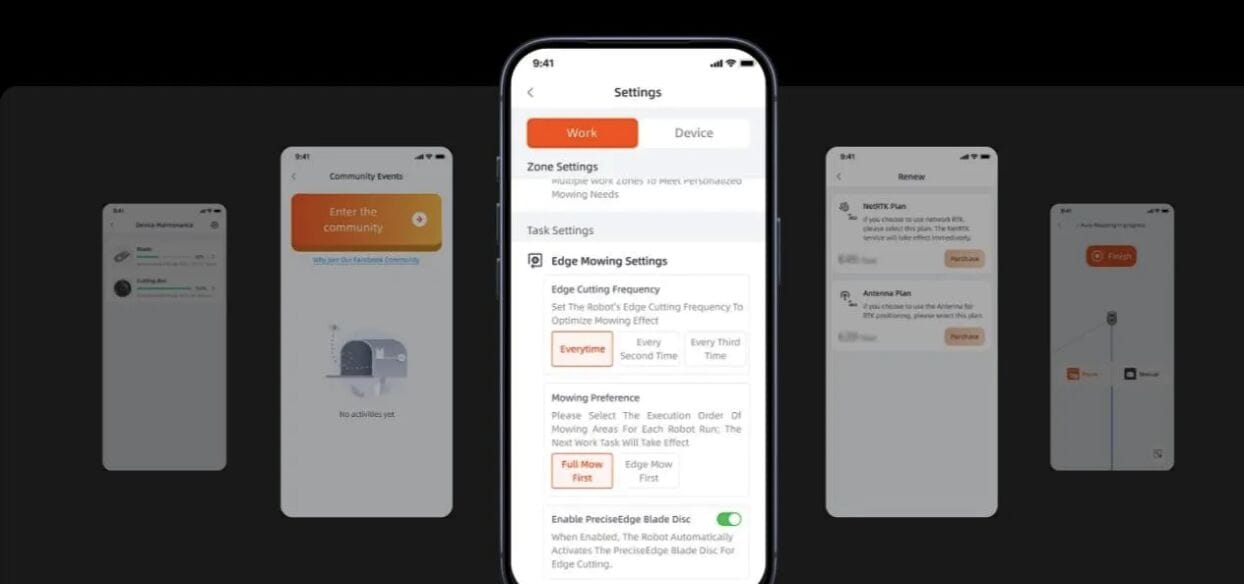
Before proceeding with manual inspections, open the mower app and evaluate any warnings, messages, or fault codes. These signals frequently indicate charging problems, boundary signal loss, clogged blades, communication challenges, or sensor malfunctions. If you need help, write down the code. App diagnostics can save time by avoiding needless part replacements.
Common Robot Lawn Mower Issues and How to Fix Them
Robot Lawn Mower Won’t Start
If the robot lawn mower does not start, check the battery level, safety lock, app status, and charging connection first. Check that the mower is correctly situated on the dock and that the emergency stop button is disengaged. Examine the blades and wheels for tangled grass, twigs, or stones. Confirm that mowing is enabled in the schedule and not halted by rain settings, kid lock, or an active error message. Restart the mower after removing any obvious blockages.
Robot Lawn Mower Not Charging
Clean the charging contacts on the robot lawnmower and docking station if it isn’t charging. Dust, dampness, or grass residue might obstruct appropriate electrical contact. Verify that the dock is level and that the mower is appropriately aligned upon return. Check for damage or disconnection on the power adapter, cord, and outlet. Before restarting the system, check the app for any battery- or dock-related alerts if the mower momentarily connects and then stops charging.
Boundary Wire Signal Is Lost
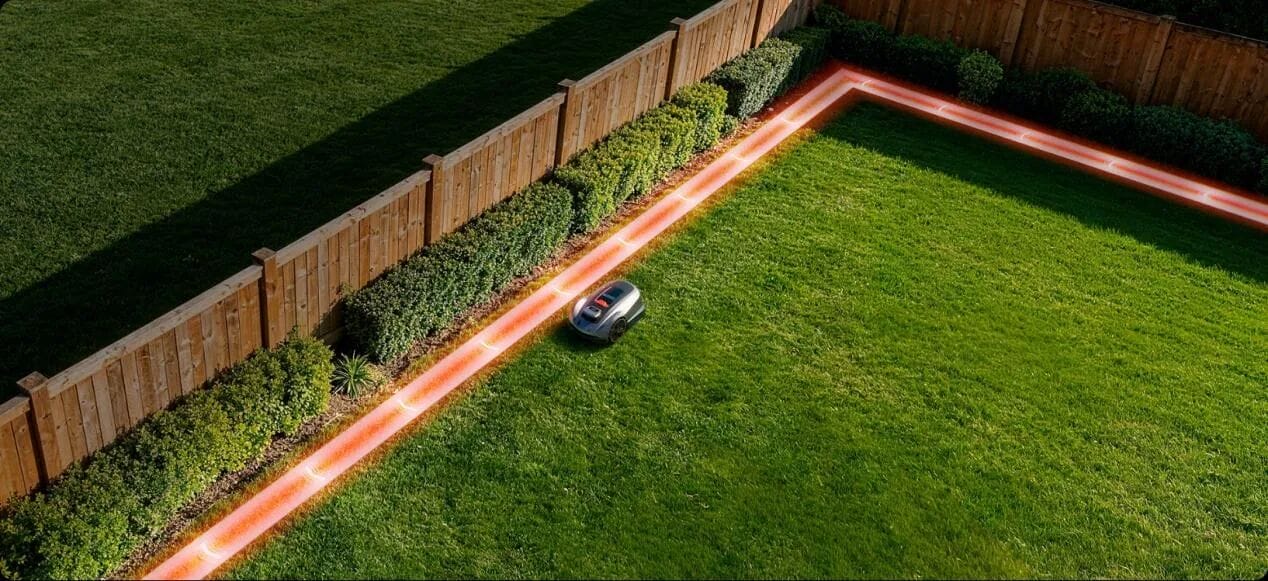
A broken wire, a loose connection, a damaged peg area, or a power problem at the charging station are the most common causes of a lost boundary wire signal. Examine the wire connections at the terminals after checking the dock indication. Look for cuts from yard equipment, dogs, digging, and edging as you walk the perimeter path. Use waterproof wire connections to fix broken parts. Restart the mower and charging station if the wire appears to be unbroken, then make sure the app detects the boundary signal once more.
Mower Gets Stuck or Stops Mid-Lawn
Terrain, traction, or obstacle issues are frequently the cause of a mower that becomes stuck or stops in the middle of the grass. Look for holes, exposed roots, moist grass, steep slopes, loose stones, or tiny passageways in the location where it stopped. Remove any debris from the cutting deck and wheels. If the grass is excessively thick or tall, raise the cutting height. When necessary, create no-go zones and modify border placement around challenging areas. Examine the path once more while observing the mower’s motion.
Uneven Cutting or Missed Grass Patches
Dull blades, improper cutting height, inadequate scheduling, obstructed cutting regions, or mapping mistakes are typically the causes of uneven cutting. Examine the blades and replace any that are worn, bent, or unclean. Remove any grass accumulation from the wheels and cutting deck. Verify that borders are positioned appropriately and that the mower can reach all grass zones. Increase the cutting height for tall grass first, then progressively lower it over a number of mowing cycles. If missing regions recur, update the map.
App, Wi-Fi, or Bluetooth Connection Problems
Weak signal strength, out-of-date software, improper pairing, or brief network outages are common causes of app, Wi-Fi, or Bluetooth issues. Reopen the app after restarting the network, phone, and mower. Verify that Bluetooth or Wi-Fi permissions are enabled and that the mower is within connection range. When available, update the firmware on the mower and the app. If pairing doesn’t work, take the mower out of the app and reconnect it by following the setup instructions. The proper operation of alerts, mapping, and scheduling depends on stable connectivity.
When to Repair, Reset, or Contact Support
Try a Basic Reset Before Replacing Parts
Try a basic reset when robot lawn mowers behave unusually but show no clear hardware fault. Restarting can clear temporary software errors, stalled app commands, schedule conflicts, or communication interruptions. Power off the mower, wait briefly, then restart it according to the user manual. Recheck the app, charging station, and mowing schedule afterward. A reset is useful after connection problems, false alerts, or interrupted mowing cycles. Avoid repeated resets if the same warning returns, because recurring errors usually need deeper inspection.
Contact Support for Battery, Motor, or Sensor Faults
Contact assistance if your mower has battery difficulties, motor errors, sensor failures, recurring charging issues, or inexplicable shutdowns. These concerns may include internal components that should not be accessed or fixed without professional supervision. Share the model, error code, app pictures, maintenance history, and a detailed explanation of when the issue occurred. Support can determine if cleaning, calibration, replacement parts, or professional services are required. Quick reporting helps to prevent more damage and keeps the mower running safely.
Conclusion
Troubleshooting robot lawn mowers is most effective when it begins with safety and progresses to power, charging, boundary, cutting, terrain, and connectivity checks. Many problems may be solved with easy steps like cleaning contacts, removing debris, changing old blades, correcting maps, or restarting the mower. More significant failures affecting batteries, motors, or sensors should be reported to support rather than guessing. A regular troubleshooting procedure eliminates downtime, preserves the mower, and ensures that automated lawn care runs smoothly. Most frequent robot mower difficulties may be resolved quickly and confidently with thorough inspections and appropriate maintenance.